1
EchoLife HG8240/HG8245/HG8247 GPON Terminal
Service Manual
4 Service Configuration Examples
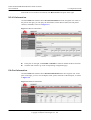
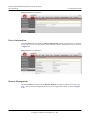
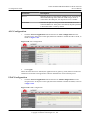
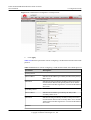
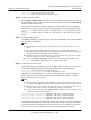
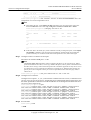
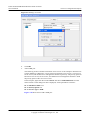
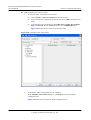
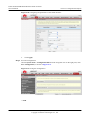
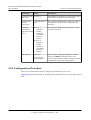
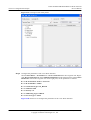
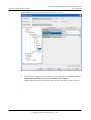
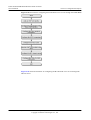
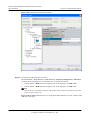
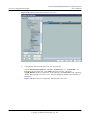
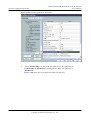
Figure 4-44 Configuring the working mode of a LAN port
NOTE
l When X_HW_L3Enable is set to 0, it indicates that the corresponding LAN port works in the L2
mode.
l When X_HW_L3Enable is set to 1, it indicates that the corresponding LAN port works in the L3
mode.
By default, X_HW_L3Enable is set to 0.
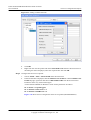
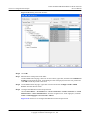
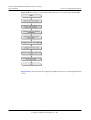
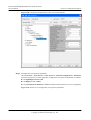
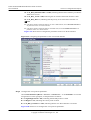
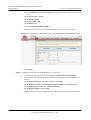
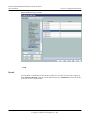
Step 4 Configure the parameters of the WAN interface.
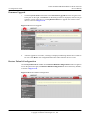
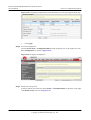
1.
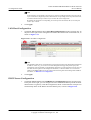
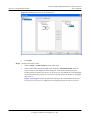
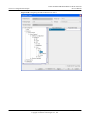
Choose InternetGatewayDevice > WANDevice > 1 > WANConnectionDevice from the
navigation tree. Click Add in the lower left part to create an instance.
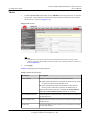
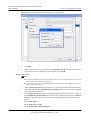
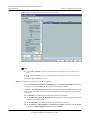
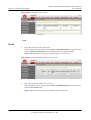
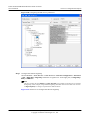
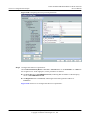
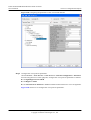
2.
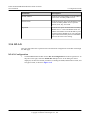
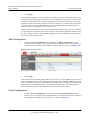
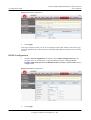
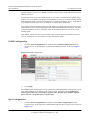
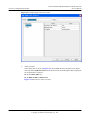
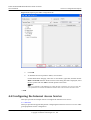
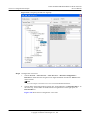
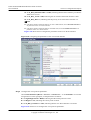
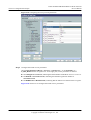
Choose 2 > WANPPPConnection from the navigation tree and click Add in the lower left
part. Choose the new 1 branch from the navigation tree. In the right pane, set parameters
as follows:
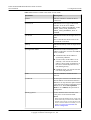
l Set Enable to 1, indicating that the WAN connection is enabled.
l Set Connection Type to IP_Routed, indicating that the connection type of the WAN
interface is in routing mode.
l Set NATEnable to 1, indicating that the NAT function is enabled.
l Set Username to iadtest@pppoe and Password to iadtest, indicating that the PPPoE
user name is iadtest@pppoe and the password is iadtest.
Issue 02 (2011-01-26)
Huawei Proprietary and Confidential
Copyright © Huawei Technologies Co., Ltd.
4-57