1
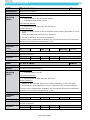
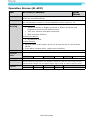
Operating and service manual
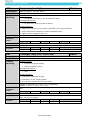
991
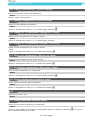
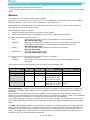
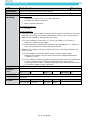
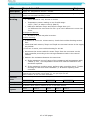
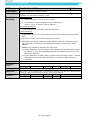
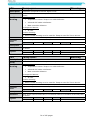
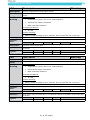
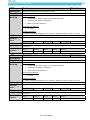
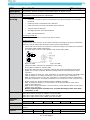
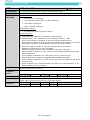
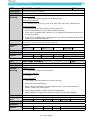
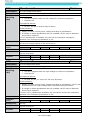
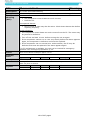
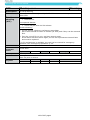
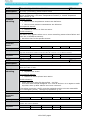
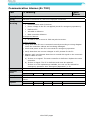
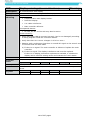
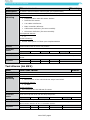
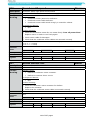
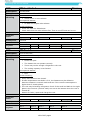
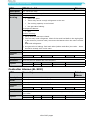
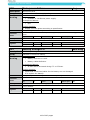
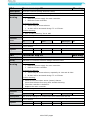
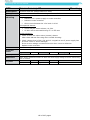
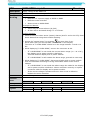
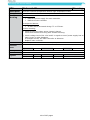
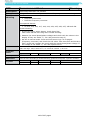
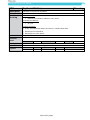
Select model code
Description
Cause
Trouble
shooting
Model code missing
Warning
Installed software without model code
Possible causes:
•
New software
•
New controller
Accompanied alarms:
•
None
Trouble shooting:
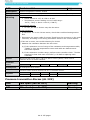
1) Go to service menu. Select configuration S05 and F10.
Select model code according to Data Decal (placed on the unit)
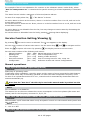
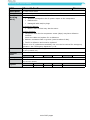
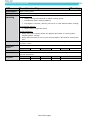
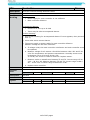
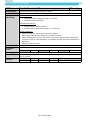
Criteria
Controller
action
Log
X
Alarm
Alarm light
Parm 1
Parm 2
Parm 3
Parm 4
Parm 5
-
-
-
-
-
Off
Consequence
Elimination
Log data
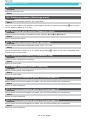
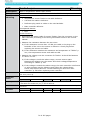
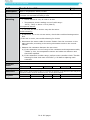
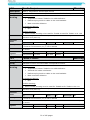
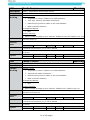
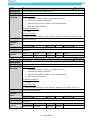
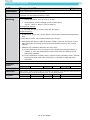
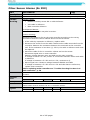
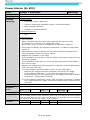
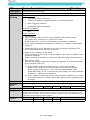
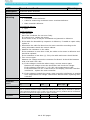
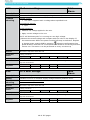
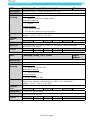
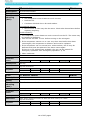
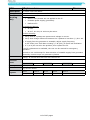
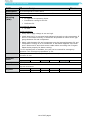
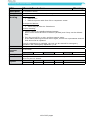
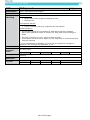
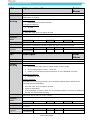
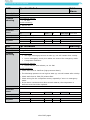
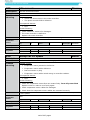
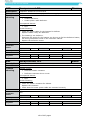
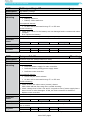
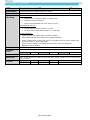
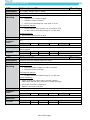
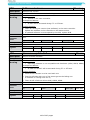
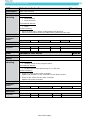
996
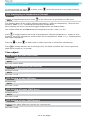
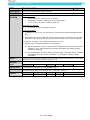
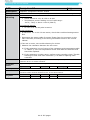
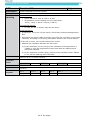
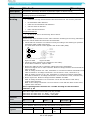
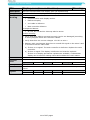
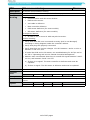
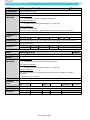
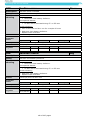
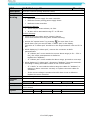
Software CRC error
Description
Cause
Trouble
shooting
Prom CRC Fault
Alarm
Possible causes:
•
Validity check of the program failed.
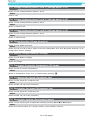
Accompanied alarms:
•
AL 801 will be activated during FT- or PTI test.
Trouble shooting:
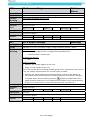
1) There is a fault on the main controller.
Update the software in the controller to the latest version.
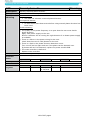
2) There is still a fault on the main controller.
Replace the main controller.
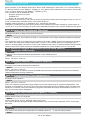
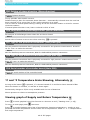
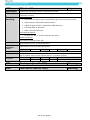
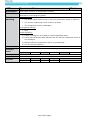
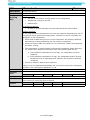
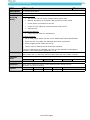
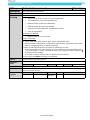
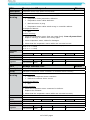
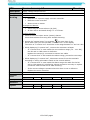
Criteria
Controller
action
None
Log
X
Alarm
X
Alarm light
Parm 1
Parm 2
Parm 3
Parm 4
Parm 5
Consequence
Elimination
Log data
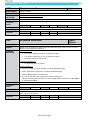
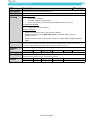
Active/Inactive CRC sum
CRC check
184 of 227 pages
Slow flash