1
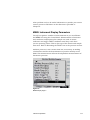
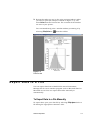
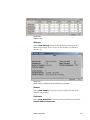
Figure 7-15
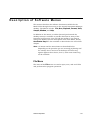
Playback Menu
Format Menu
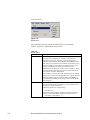
The Format menu has many variations depending on the active
window. The menu items of the Format menu let you control how
information is presented in tables and graphs including: channel
resolution, view boundaries, graph type, grid lines, font, color, etc.
When a window is active on the desktop, you can display the
Format menu items (plus other menu items) by placing the cursor
in the window and clicking the right mouse button.
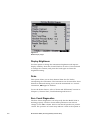
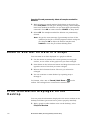
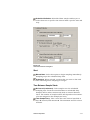
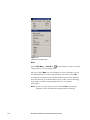
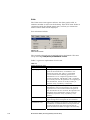
Figure 7-16
Format Menu for a Model 3034 Graph
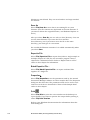
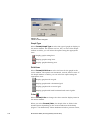
Y Axis
This menu item is available only when a graph window is active on
the desktop.
Select Format|Y Axis to select the way the Y axis is displayed, see
Figure 7-17. By default, the graphs display in normal/auto scale.
You can select Auto or Fixed scale and either log or normal scale.
To display in logarithmic scale, check the Log Scale box.
7-28
Model 3034 SMPS (Scanning Mobility Particle Sizer)