1
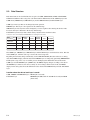
5-3. Operating the Files and the Data Flow
5-3-1. USER FILE
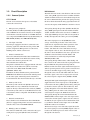
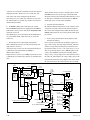
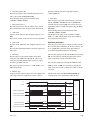
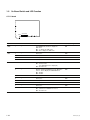
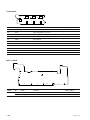
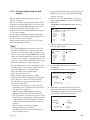
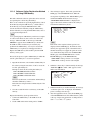
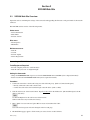
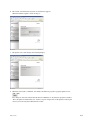
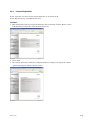
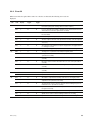
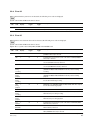
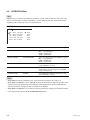
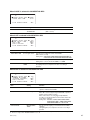
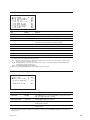
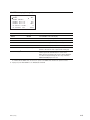
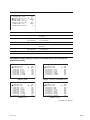
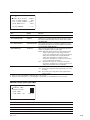
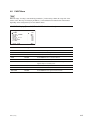
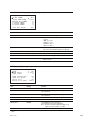
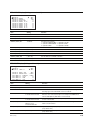
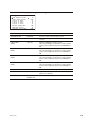
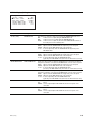
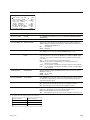
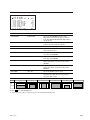
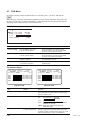
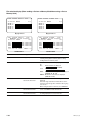
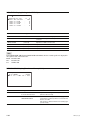
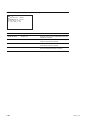
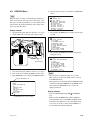
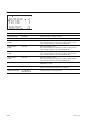
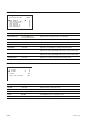
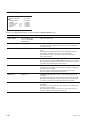
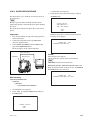
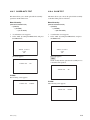
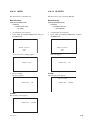
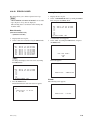
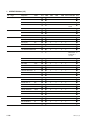
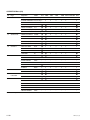
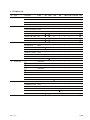
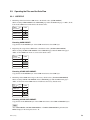
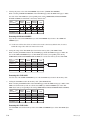
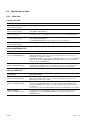
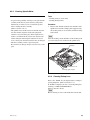
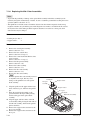
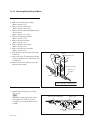
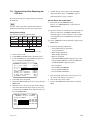
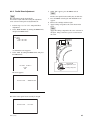
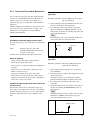
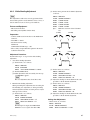
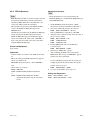
1. Initializing all the items in the USER menu to the default values. (USER PRESET)
When executing USER PRESET in the USER FILE page under the FILE menu page 1 <F01>, all the
items in the USER menu is initialized to the default values.
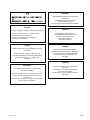
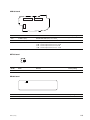
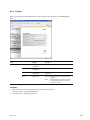
Data
Structure
Menu
USER
USER layer
PRESET layer
SERVICE layer
FACTORY layer
Executing USER PRESET:
Copy the data in the PRESET layer of the USER menu items to the USER layer.
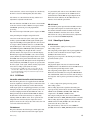
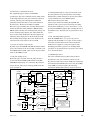
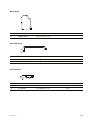
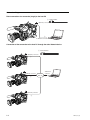
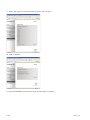
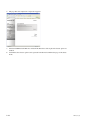
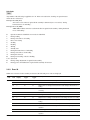
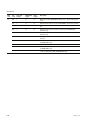
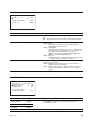
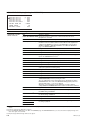
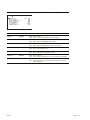
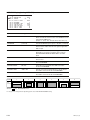
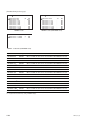
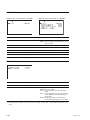
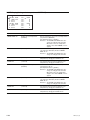
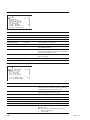
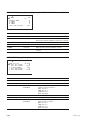
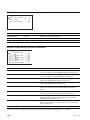
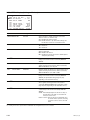
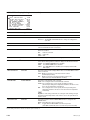
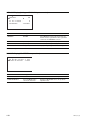
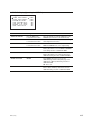
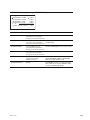
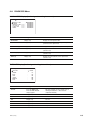
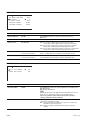
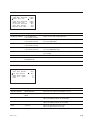
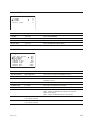
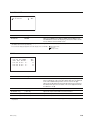
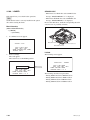
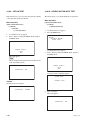
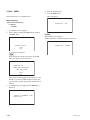
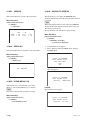
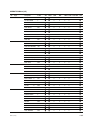
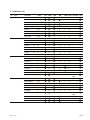
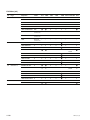
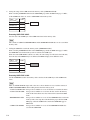
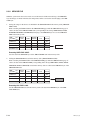
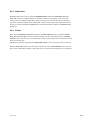
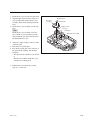
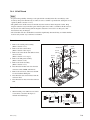
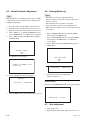
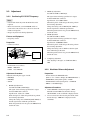
2. Registering the setups of the USER menu as the default values. (STORE USER PRESET)
When executing STORE USER PRESET on the USER FILE page under the FILE menu page 2
<F02>, all the USER menu items are stored as the default values.
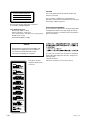
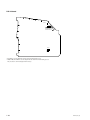
Data
Structure
Menu
USER
USER layer
PRESET layer
SERVICE layer
FACTORY layer
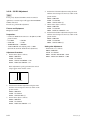
Executing STORE USER PRESET:
Copy the data in the PRESET layer of the USER menu items to the USER layer.
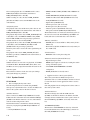
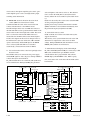
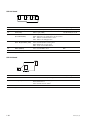
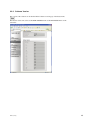
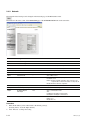
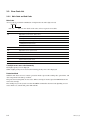
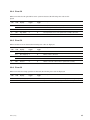
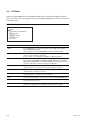
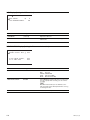
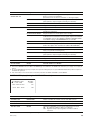
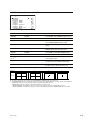
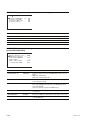
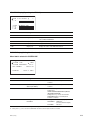
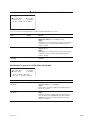
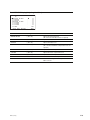
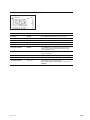
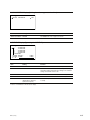
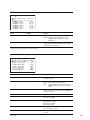
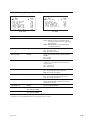
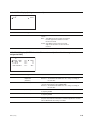
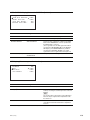
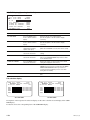
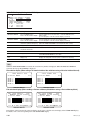
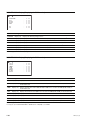
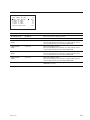
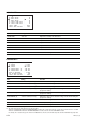
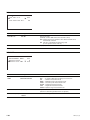
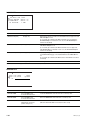
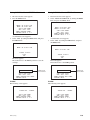
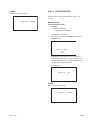
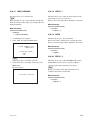
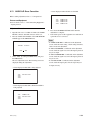
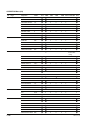
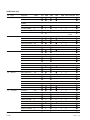
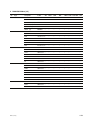
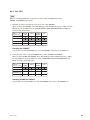
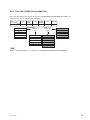
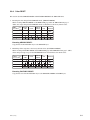
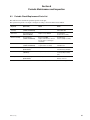
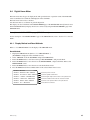
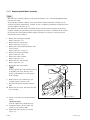
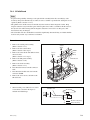
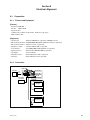
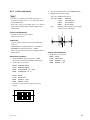
3. Initializing all the USER menu setups to the factory default values. (CLEAR USER PRESET)
When executing CLEAR USR PRESET on the USER FILE page under the FILE menu page 2
<F02>, all the items in the USER menu are initialized to the factory default values.
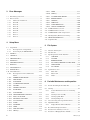
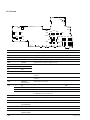
Data
Structure
Menu
USER
USER layer
PRESET layer
SERVICE layer
FACTORY layer
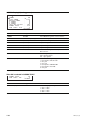
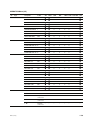
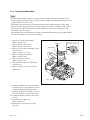
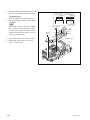
Executing CLEAR USER PRESET:
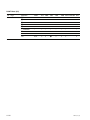
Copy the data in the SERVICE layer of the USER menu items to the USER and PRESET layers.
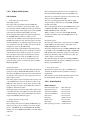
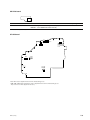
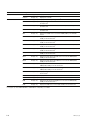
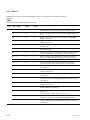
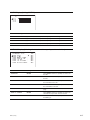
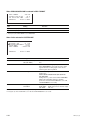
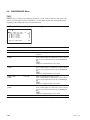
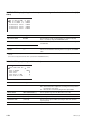
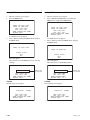
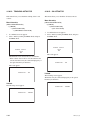
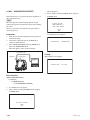
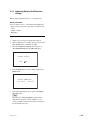
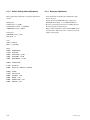
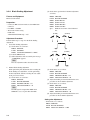
n
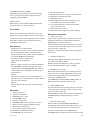
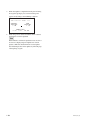
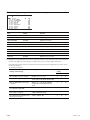
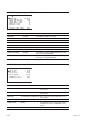
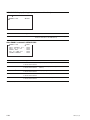
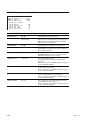
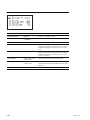
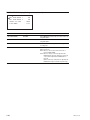
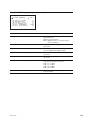
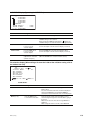
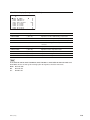
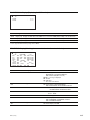
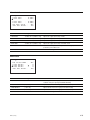
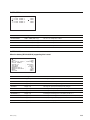
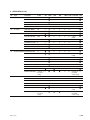
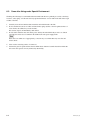
After USER PRESET, STORE USER PRESET, or CLEAR USER PRESET is performed, the
MENU display for the analog data shows “0”.
PDW-700/V1 (E)
5-3