1
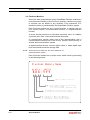
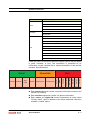
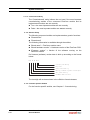
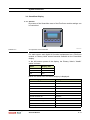
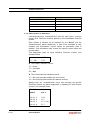
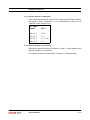
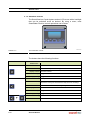
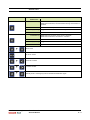
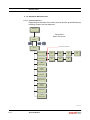
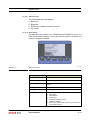
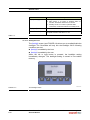
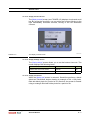
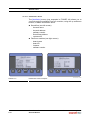
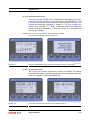
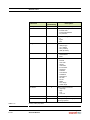
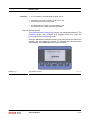
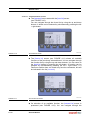
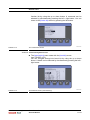
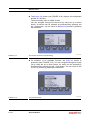
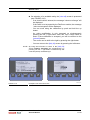
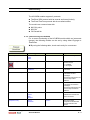
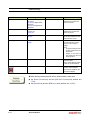
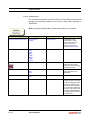
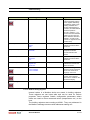
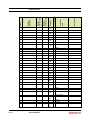
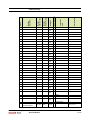
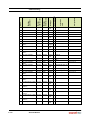
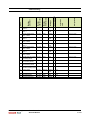
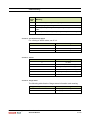
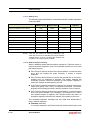
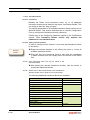
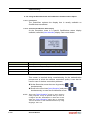
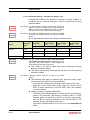
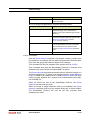
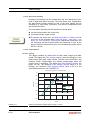
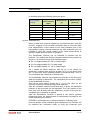
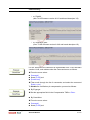
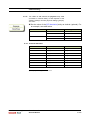
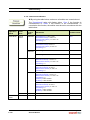
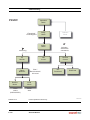
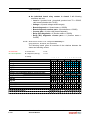
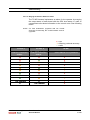
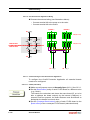
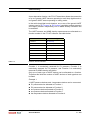
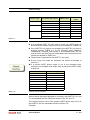
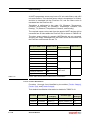
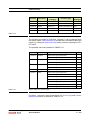
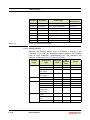
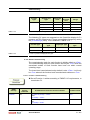
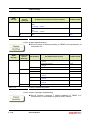
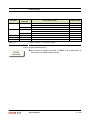
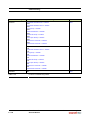
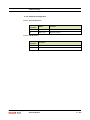
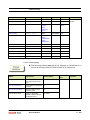
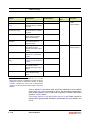
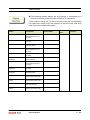
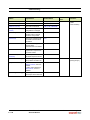
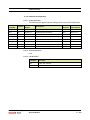
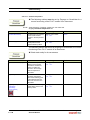
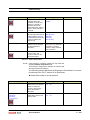
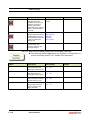
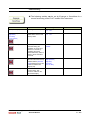
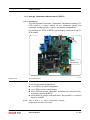
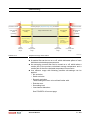
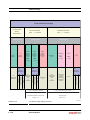
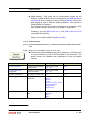
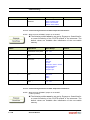
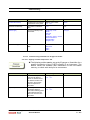
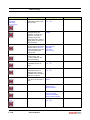
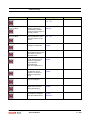
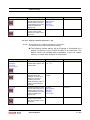
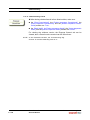
System Architecture Status Category Display Text over range over range under range under range no data available no data un-initialized no init killed killed 3.4.2 Status Entities on SmartView Choosing sub-menu “commissioning” from the main menu, a survey results of all FlexConn modules present in the SmartRadar FlexLine system. Each module is followed by an indication for the “Health” and the “Commissioned” status respectively. In case of an unreliable or fault situation, the “Information” column shows an information code in addition. This information code reveals the specific reason about the current status. This diagnostics goes for each individual FlexConn module. See example below. H C I FII-DO G N The “Health” indication can be: “G” = Good “U” = Uncertain “B” = Bad The “Commissioned” indication can be: “Y” = the most important entities are set correctly “N” = the most important entities are not set correctly Starting from the “commissioned” menu and choosing the specific FlexConn module, the above diagnostics is repeated for each module function. See example below. FII-DO:> 3 - 10 board H C I Relay 1 G N Relay 2 G Y Relay 3 U Y nnn Relay 4 B Y SmartRadar FlexLine Service Manual Part No.: 4417.762_Rev06