1
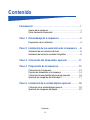
Contents
Introduction . . . . . . . . . . . . . . . . . . . . . . . . . . . . . . . . . . . . . . . 1
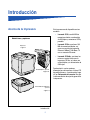
About the printer . . . . . . . . . . . . . . . . . . . . . . . . . . . . . . . . . . . .1
Other sources of information . . . . . . . . . . . . . . . . . . . . . . . . . .2
Step 1: Unpack the printer . . . . . . . . . . . . . . . . . . . . . . . . . . 4
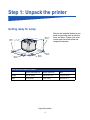
Getting ready for setup . . . . . . . . . . . . . . . . . . . . . . . . . . . . . . .4
Step 2: Install printer supplies . . . . . . . . . . . . . . . . . . . . . . . 6
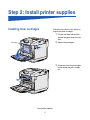
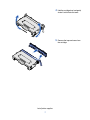
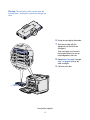
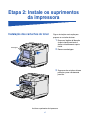
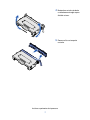
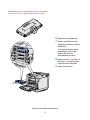
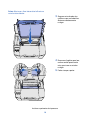
Installing toner cartridges . . . . . . . . . . . . . . . . . . . . . . . . . . . . .6
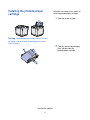
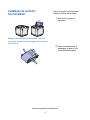
Installing the photodeveloper cartridge . . . . . . . . . . . . . . . . . . .9
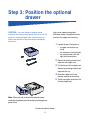
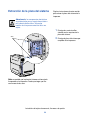
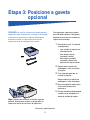
Step 3: Position the optional drawer . . . . . . . . . . . . . . . . . 11
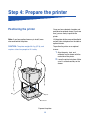
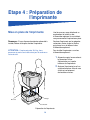
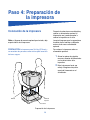
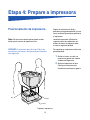
Step 4: Prepare the printer . . . . . . . . . . . . . . . . . . . . . . . . . 12
Positioning the printer . . . . . . . . . . . . . . . . . . . . . . . . . . . . . . .12
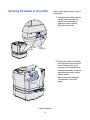
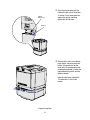
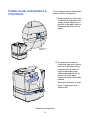
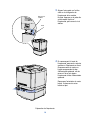
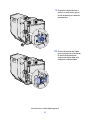
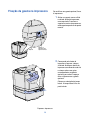
Securing the drawer to the printer . . . . . . . . . . . . . . . . . . . . .13
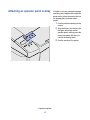
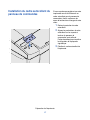
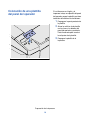
Attaching an operator panel overlay . . . . . . . . . . . . . . . . . . . .15
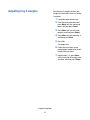
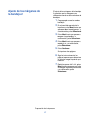
Adjusting tray 2 margins . . . . . . . . . . . . . . . . . . . . . . . . . . . . .16
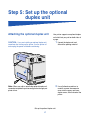
Step 5: Set up the optional duplex unit . . . . . . . . . . . . . . . 17
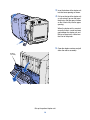
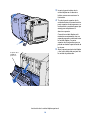
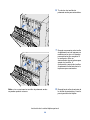
Attaching the optional duplex unit . . . . . . . . . . . . . . . . . . . . . .17
Adjusting duplex margins . . . . . . . . . . . . . . . . . . . . . . . . . . . .21
Step 6: Install memory, firmware, or option cards . . . . . . 22
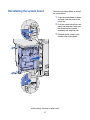
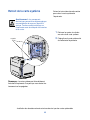
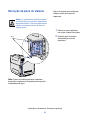
Removing the system board . . . . . . . . . . . . . . . . . . . . . . . . . .23
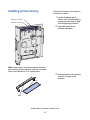
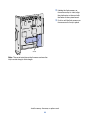
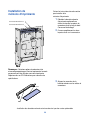
Installing printer memory . . . . . . . . . . . . . . . . . . . . . . . . . . . .24
Contents
iii