1
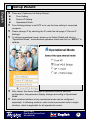
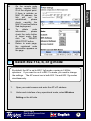
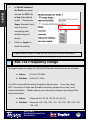
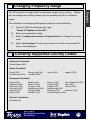
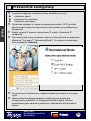
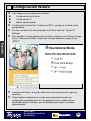
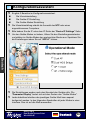
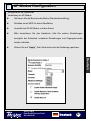
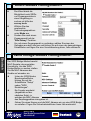
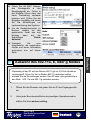
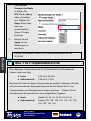
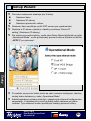
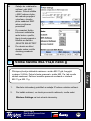
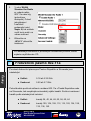
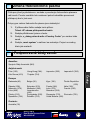
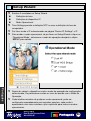
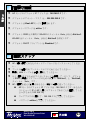
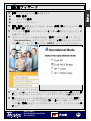
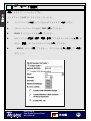
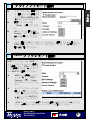
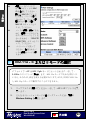
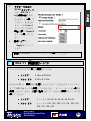
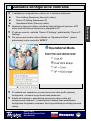
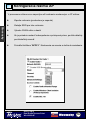
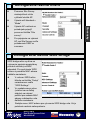
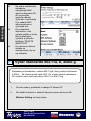
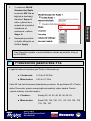
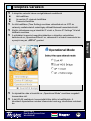
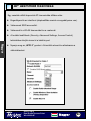
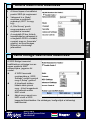
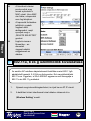
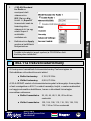
Setup Wizard English There are 3 feature in the Setup Wizard : Time Setting Device IP Setting Operational Mode Time Settings allows to set NTP or to use the time setting of connected computer. Please change IP by selecting the IP under the tab page of “Device IP Settings” To change operational mode, please go to Setup Wizard and click on “Operational Mode”, select desired operation mode and click on “APPLY” to validate. After reboot, the device changes its operation mode as selected configuration, the parameter display changes according to Operational Mode. Each wireless interface of any operational mode can be configured separately. In following sections, each mode is presented under a single interface, which is applicable for all operational modes. 802.11 a/b/g Dual Radio Access Point WLA-9000AP English 6