1
Operation
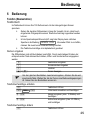
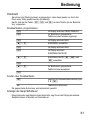
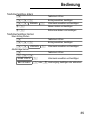
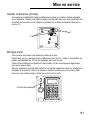
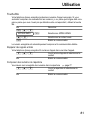
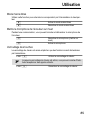
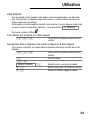
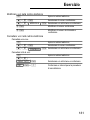
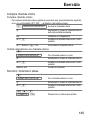
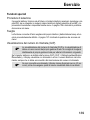
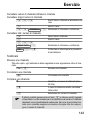
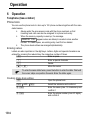
One−touch dialling
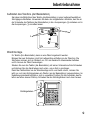
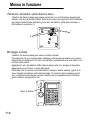
It is possible to store three phone numbers so that they are dialled simply by pressing
the respective button (one−touch dialling).
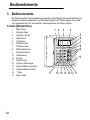
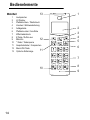
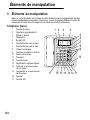
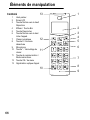
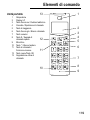
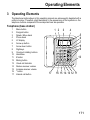
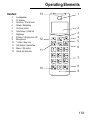
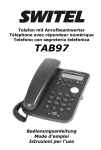
The three buttons Q, r and s are provided on the telephone (base station)
for this.
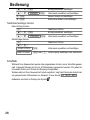
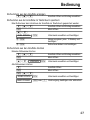
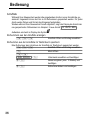
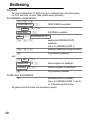
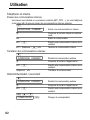
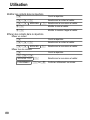
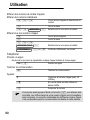
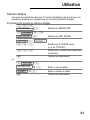
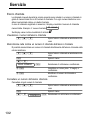
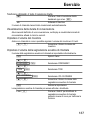
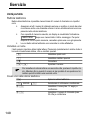
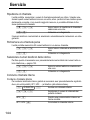
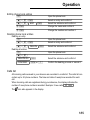
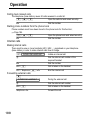
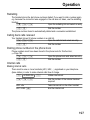
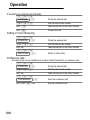
Programming one−touch dialling buttons
M
PHONEBOOK
appears in the
display
M
Phone numbers stored in the phone book
are displayed
M
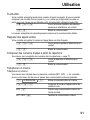
ADD appears in the display
I/J
Select SPEED DIAL
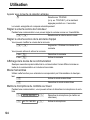
M
ADD appears in the display
M
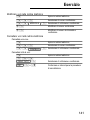
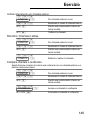
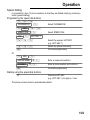
HOT KEY M1 appears in the display
I/J
Select HOT KEY , or M
I/J
Select the phone number stored in the
phone book
M
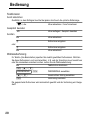
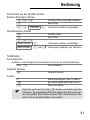
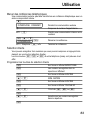
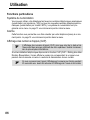
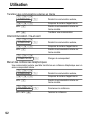
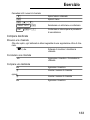
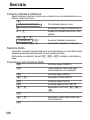
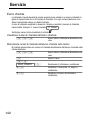
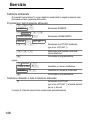
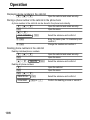
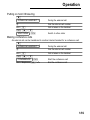
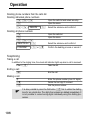
Making calls using the one−touch dialling buttons
Press the required one−touch dialling
button (e.g. )
Lift the receiver
The phone number stored is automatically dialled.
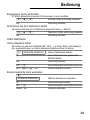
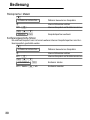
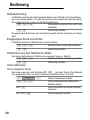
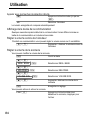
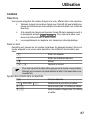
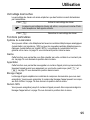
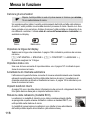
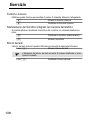
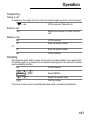
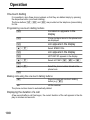
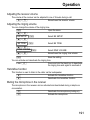
Displaying the duration of a call
A few seconds after a call has begun, the current duration of the call appears in the display in minutes and seconds.
190