1
en
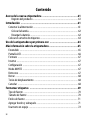
Aligning the Text ................................................................................... 16
Creating Fixed-Length Labels ................................................................ 17
Creating Two-Line Labels ...................................................................... 18
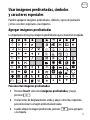
Using Clip Art, Symbols, and Special Characters ..........................19
Adding Clip Art ...................................................................................... 19
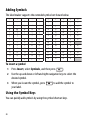
Adding Symbols ..................................................................................... 20
Using the Symbol Keys .......................................................................... 20
Adding International Characters ............................................................ 21
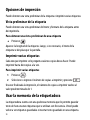
Printing Options .......................................................................22
Previewing Your Label ........................................................................... 22
Printing Multiple Labels ........................................................................ 22
Using the Label Maker Memory .................................................23
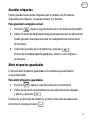
Saving a Label ....................................................................................... 23
Opening Saved Labels ............................................................................ 23
Inserting Saved Text .............................................................................. 24
Caring for Your Label Maker ......................................................25
Troubleshooting .................................................................................... 26
Documentation Feedback .........................................................27
Environmental Information ......................................................28
3