1
Entertainment Systems
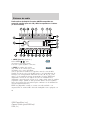
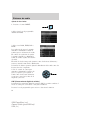
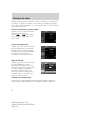
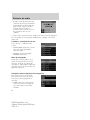
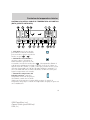
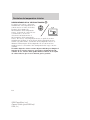
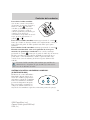
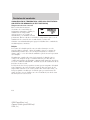
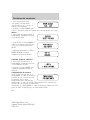
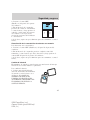
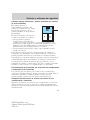
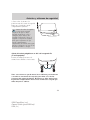
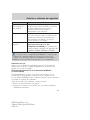
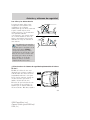
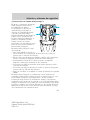
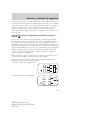
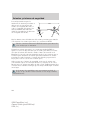
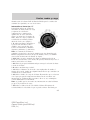
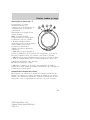
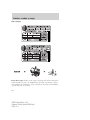
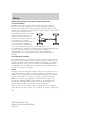
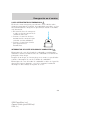
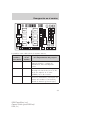
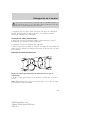
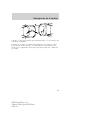
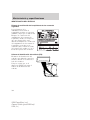
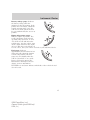
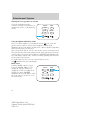
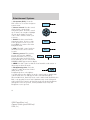
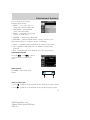
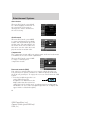
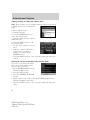
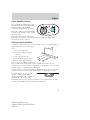
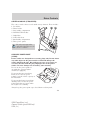
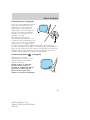
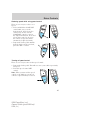
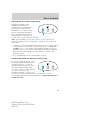
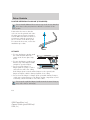
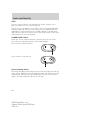
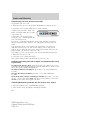
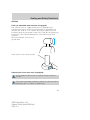
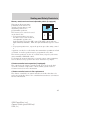
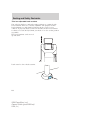
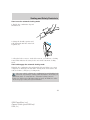
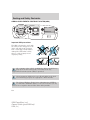
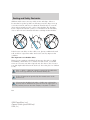
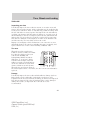
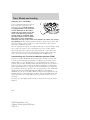
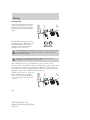
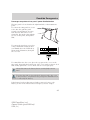
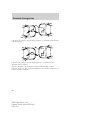
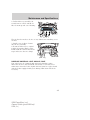
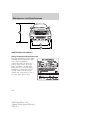
Current location
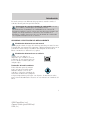
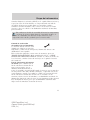
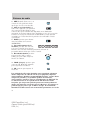
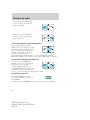
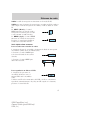
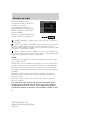
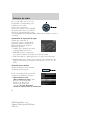
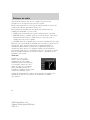
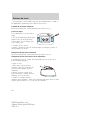
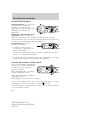
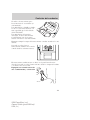
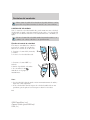
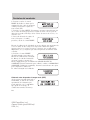
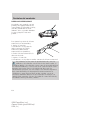
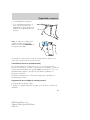
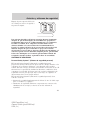
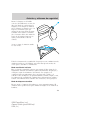
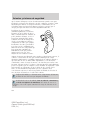
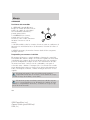
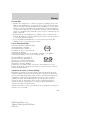
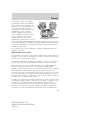
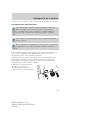
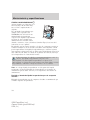
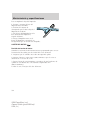
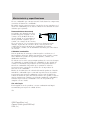
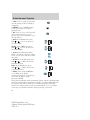
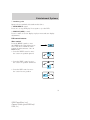
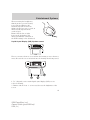
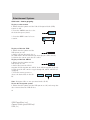
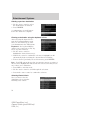
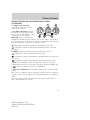
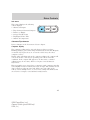
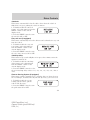
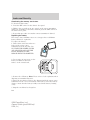
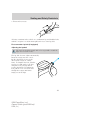
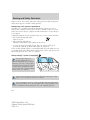
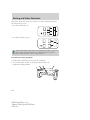
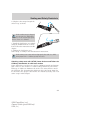
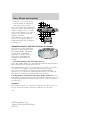
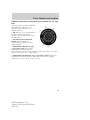
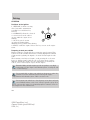
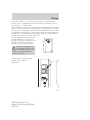
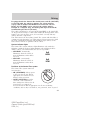
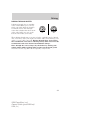
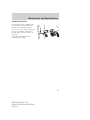
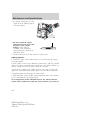
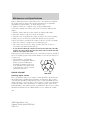
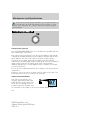
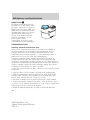
To access your current location,
press this control when in
navigation mode. Your current
location and the name/distance to
the next/last intersection are displayed.
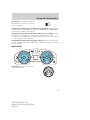
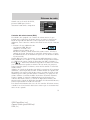
HERE
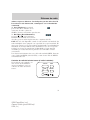
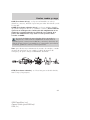
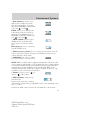
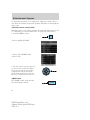
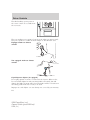
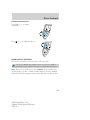
Press NAV to return to a guidance display. Press MAP to return to a map
display.
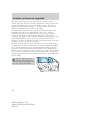
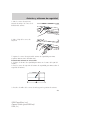
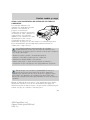
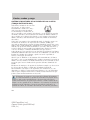
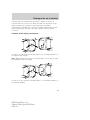
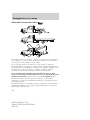
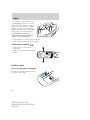
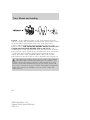
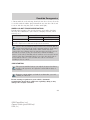
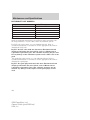
Detours, route interruptions and changes
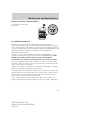
If need be, your navigation system
can easily and quickly find the most
efficient detour around road
construction, unexpected traffic or
undesirable roads.
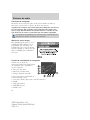
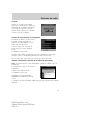
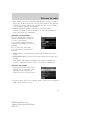
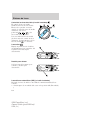
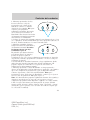
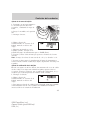
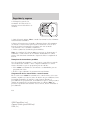
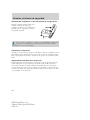
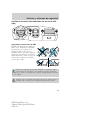
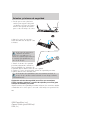
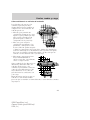
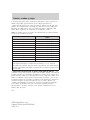
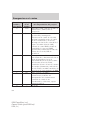
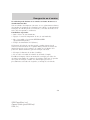
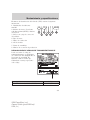
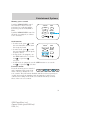
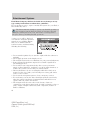
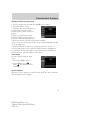
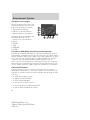
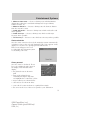
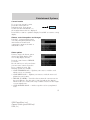
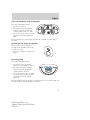
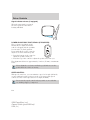
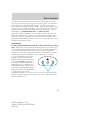
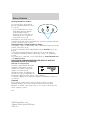
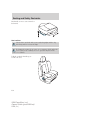
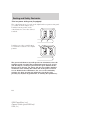
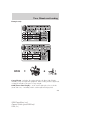
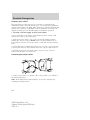
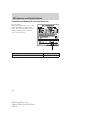
Detour options
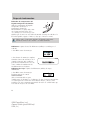
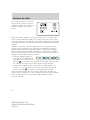
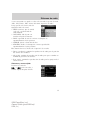
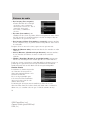
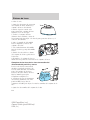
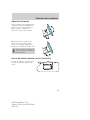
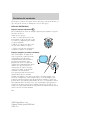
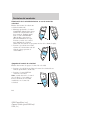
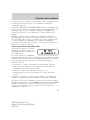
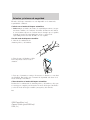
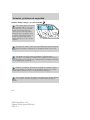
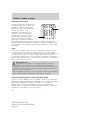
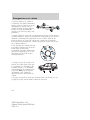
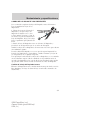
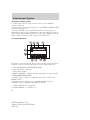
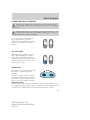
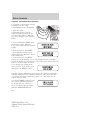
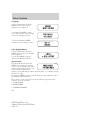
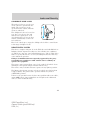
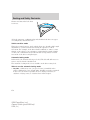
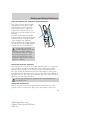
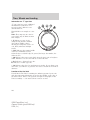
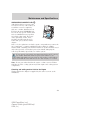
You may engage the detour option
when in the Guide display, True
view or Map display screens.
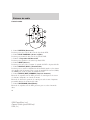
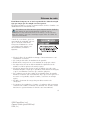
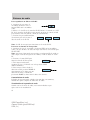
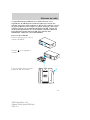
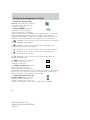
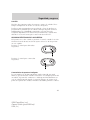
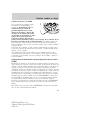
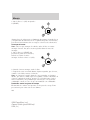
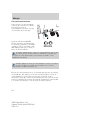
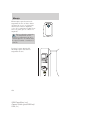
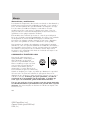
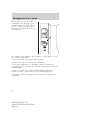
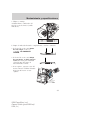
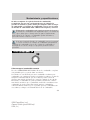
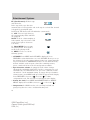
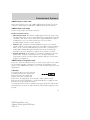
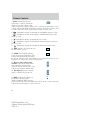
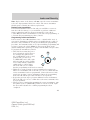
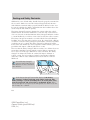
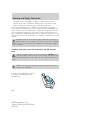
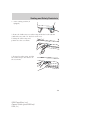
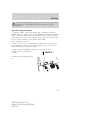
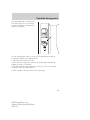
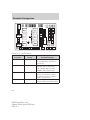
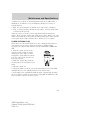
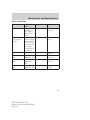
Press the control next to DETOUR
to activate.
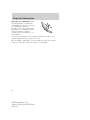
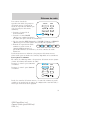
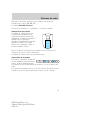
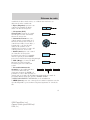
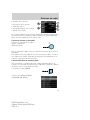
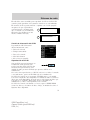
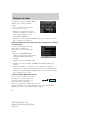
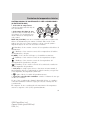
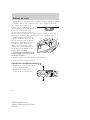
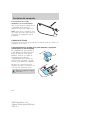
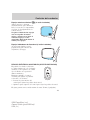
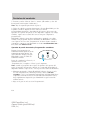
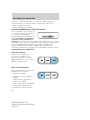
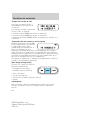
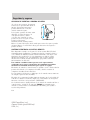
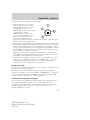
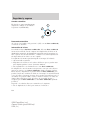
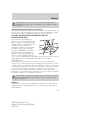
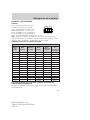
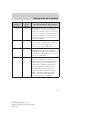
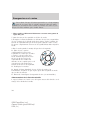
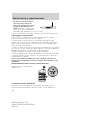
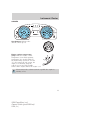
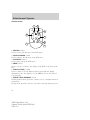
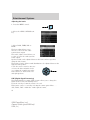
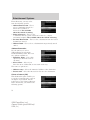
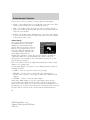
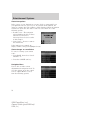
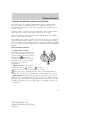
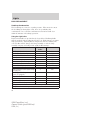
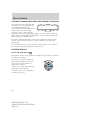
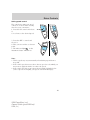
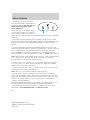
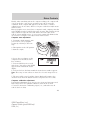
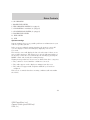
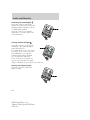
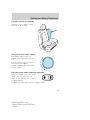
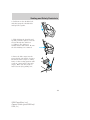
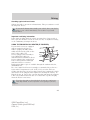
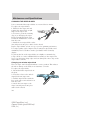
Use the soft keys to select and enter
your new route criteria. Press the
key to confirm selection. The
following options are available:
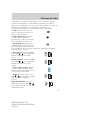
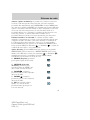
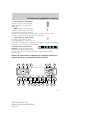
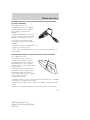
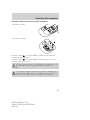
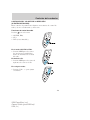
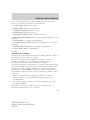
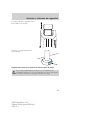
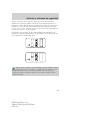
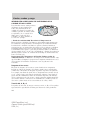
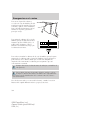
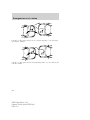
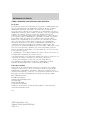
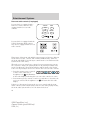
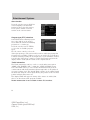
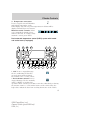
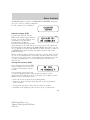
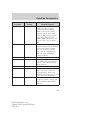
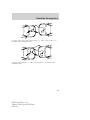
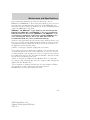
• AVOID CURRENT ROAD — Updates your route to avoid the road
which you are on currently.
• AVOID NEXT ROAD — Updates your route to avoid the next road
planned on your journey.
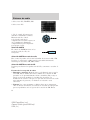
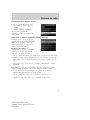
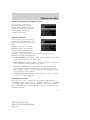
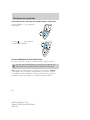
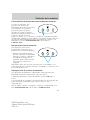
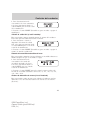
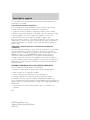
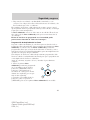
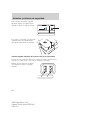
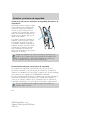
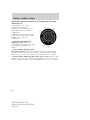
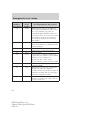
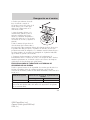
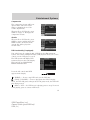
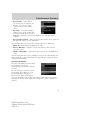
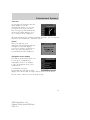
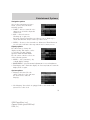
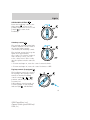
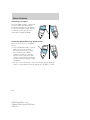
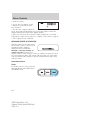
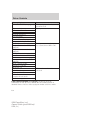
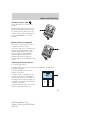
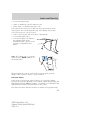
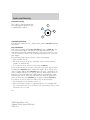
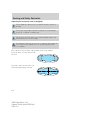
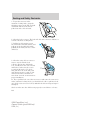
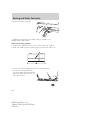
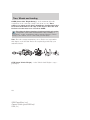
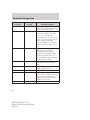
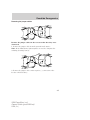
• DETOUR (X) MILES — Provides a detour from the current route for
the noted distance. Use the cursor control to indicate the distance
which needs to be avoided. The range available is based on the length
of your original route.
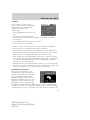
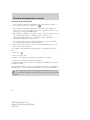
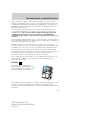
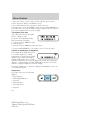
• AVOID SPECIFIC ROAD — Avoids a specific road on your planned
route.
77
2006 Expedition (exd)
Owners Guide (post-2002-fmt)
USA (fus)