1
GB
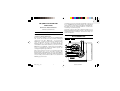
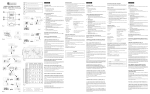
Battery Installation:
FEATURES
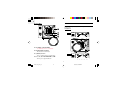
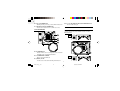
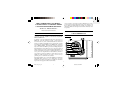
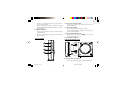
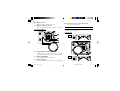
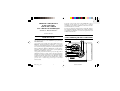
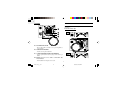
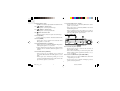
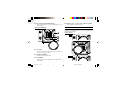
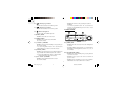
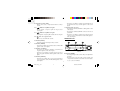
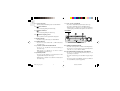
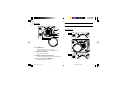
1. Remove the battery compartment door by rotating it in the
direction of “
” as shown
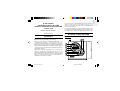
Section I — Radio-Controlled Calendar
Clock
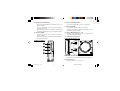
2. Insert 4 x AA 1.5V batteries in accordance to the polarities.
3. Press [RESET].
ABOUT RADIO RECEPTION
4. Replace the battery compartment door by rotating it back onto
the unit in the direction of “
”.
After battery installation, the unit will automatically synchronize
its time and date with the radio signal when it is within reception
range.
When the battery power level is low, the respective low battery
] will light up. Replace the batteries or connect the
indicator [
AC power adapter.
Please note if only the AC adapter is connected and no battery is
installed, the low battery indicator [
] for the clock will light
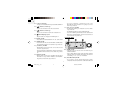
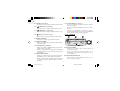
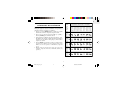
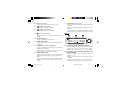
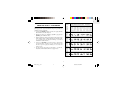
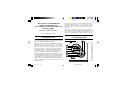
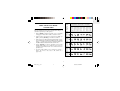
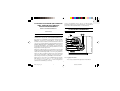
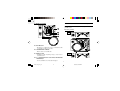
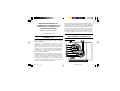
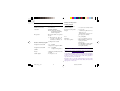
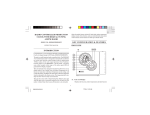
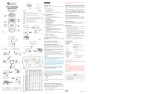
When the unit is receiving a radio signal, the reception icon will
start to blink. The reception icon will show either strong or weak
reception depending on the strength of the radio signal. A complete
reception generally takes about 2 to 10 minutes.
up.
When the reception is complete the reception icon will stop blinking. The
reception icon will show “ ”for no reception or “
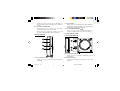
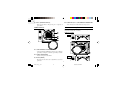
Using AC Power
reception.
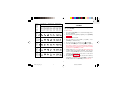
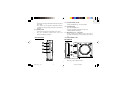
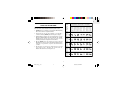
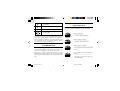
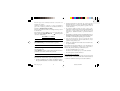
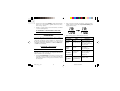
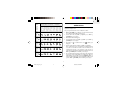
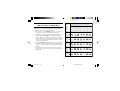
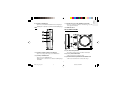
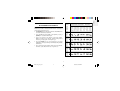
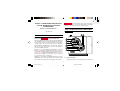
The antenna icon indicates the quality of reception.
STRONG
WEAK
NO RECEPTION
IN PROGRESS
5
RRM968PM_EN_R03
5
8/23/04, 10:40 AM
” for successful