1
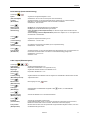
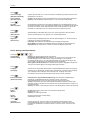
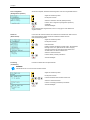
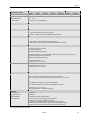
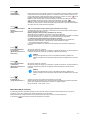
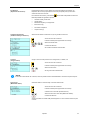
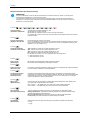
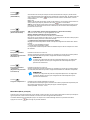
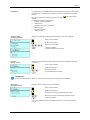
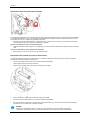
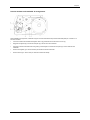
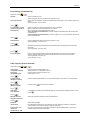
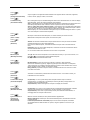
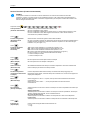
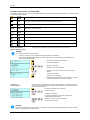
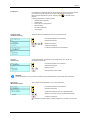
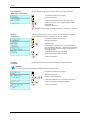
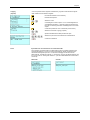
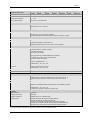
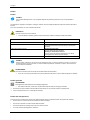
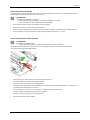
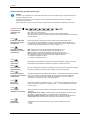
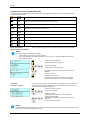
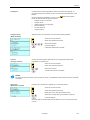
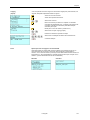
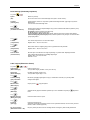
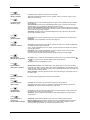
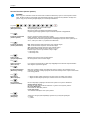
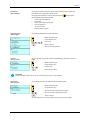
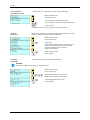
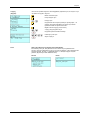
Compa II File Explorer The File Explorer is the file manager of the printing system. The File Explorer provides the main functions for the user interface of memory menu. In the user directory, press key to access to the File Explorer. Following functions are available: Change directory Change drive and/or directory Load file Save layout and/or configuration Delete file(s) Format CF card Copy file(s) Specifies the standard directory in which the files are stored for further processing. Access to the memory menu. Call the File Explorer. , + , Select the directoy. Confirm selection. The selected directory is now displayed. Load file Loads a file. This can be a configuration saved before, a layout, etc. Access to the memory menu. Call the File Explorer. + Select the file The selected file is loaded. NOTICE! If the selected file is a layout, then the number of copies to print can be entered immediately. Save layout Saves the currently loaded layout under the selected name. Access to the memory menu. Call the File Explorer. Change to the menu Save file. , Select the function Save layout. Confirm the selection. If an USB keyboard is attached a new file name for noname can be assigned. English 109