1
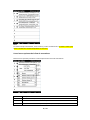
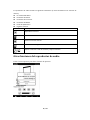
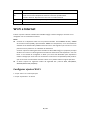
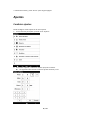
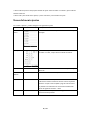
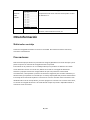
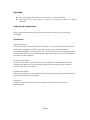
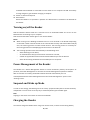
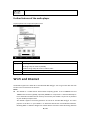
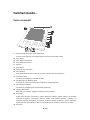
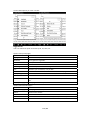
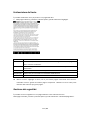
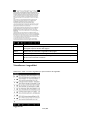
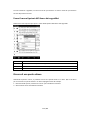
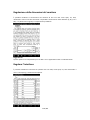
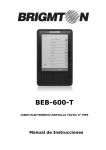
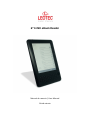
Getting started Parts and Controls 1. EINK panel with a touch screen (optional) The touch screen gives you simple access to the various functions on the Reader. 2. Home button 3. Previous page button 4. Next page button 5. Keyboard 6. Menu button 7. 5‐way controller 8. Back button You can leave the current window or menu by clicking “Back button”. 9. USB connector Used to connect the USB cable (supplied). 10. Micro SD (TF) Memory Card slot Used to insert a Micro SD (TF) Memory Card (optional). 11. (Headphones) jack Used to connect headphones (optional). 12. Microphone input Reserved for the future. Not in use now. 13. Green LED Indicates that the Reader is in operation. It goes off when the Reader is switched off or the Reader is in power saving mode. The user interface is shown on the screen when the Reader is in power saving mode. The screen is blank when the Reader is switched off. Use any key to reactivate the Reader. Tapping on the touch screen does not reactive the Reader. 14. Red LED 52 / 142