1
Power
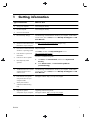
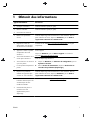
Symptom
Possible solution
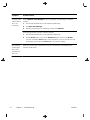
Computer does
Press and hold the Power button until the computer turns off. Check Power Settings.
not turn off when
the Power button
is pressed.
Computer shuts
●
down
●
automatically.
The computer might be in an exceedingly hot environment. Let it cool down.
Ensure that computer air vents are not blocked and that the internal fan is running — see :
Cleaning procedures on page 7. (Your computer might not have an internal fan.)
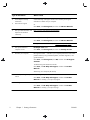
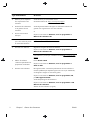
Display (monitor)
Symptom
Possible solution
Screen is blank.
Press the space bar on the keyboard or move the mouse to make the screen display visible
again.
Press the Sleep button (select models only), or Esc on the keyboard, to resume from Sleep
mode.
Press the Power button to turn on the computer.
ENWW
Power
11