1
1
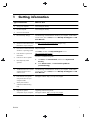
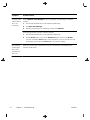
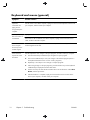
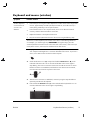
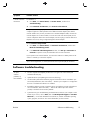
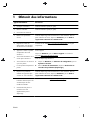
Getting information
Type of information
Where to find
●
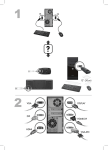
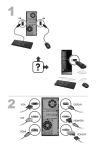
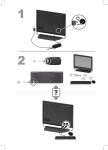
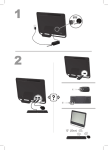
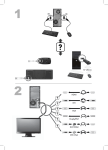
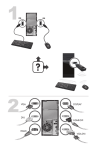
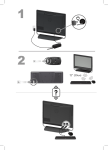
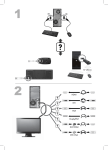
Set up your computer.
Quick Setup (this Guide)
●
Use the computer.
Quick Setup (this Guide)
●
Connect to the Internet.
●
Recover factory settings.
Troubleshooting and Maintenance Guide on your computer. At the bottom
of your screen, click on Start, then click HP Help and Support and HP
User Manuals.
●
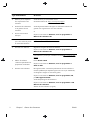
See how-to videos about using
Visit http://www.hp.com/supportvideos (English only)
the features of your computer.
●
●
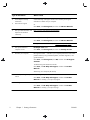
Learn how to use the Microsoft
Help and Support
Windows 7 operating system.
Click Start, and then click Help and Support or visit
Find Windows 7 password
http://www.hp.com/go/win7.
information.
●
Find links to driver updates.
●
Read frequently asked
questions.
Windows 7 troubleshooting tools
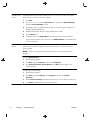
1.
Click Start, click Control Panel, and then click System and
Security.
2.
Under Action Center, click Find and fix problems
(troubleshooting).
●
●
Troubleshoot the most common
Troubleshooting and Maintenance Guide on your computer. At the bottom
computer hardware and
of your screen, click on Start, then click HP Help and Support and HP
software issues.
User Manuals.
Find electronic user guides
HP Support website: http://www.hp.com/support
and specifications for your
computer model.
●
Order parts and find
additional troubleshooting
help.
●
Upgrade or replace
Upgrading and Servicing Guide
components of your computer.
HP Support website: http://www.hp.com/support
ENWW
1