1
A-12
Seagate DAT Drive Installation Manual—English
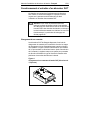
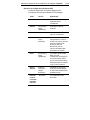
Enabling SCSI termination
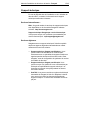
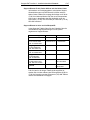
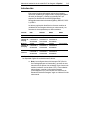
Active SCSI termination is disabled as the factory default. If
the drive is the only device on the SCSI bus or if it is the last
device on the bus, you need to enable active termination by
placing a jumper across pins 11 and 12.
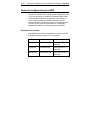
Terminator power
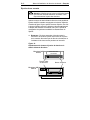
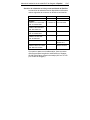
You can enable terminator power if needed for terminators or
other SCSI devices through a jumper placement. The factory
default for internal drives is that terminator power is disabled.
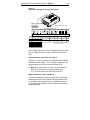
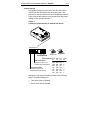
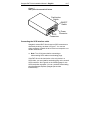
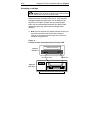
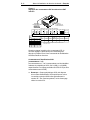
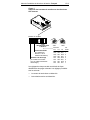
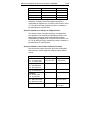
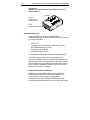
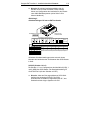
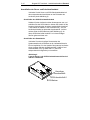
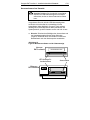
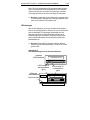
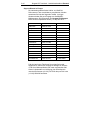
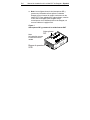
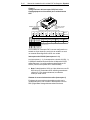
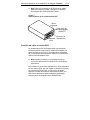
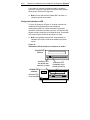
To enable terminator power, place a jumper firmly over pins
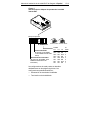
15 and 16, as shown in Figure 3.
!
Caution. If the jumper is installed, be careful not to
short the TERMPWR signal to ground.
The drive contains a terminator power fuse to prevent
damage to drive components in case the terminator power is
shorted. If terminator power is enabled and the SCSI cable is
connected upside down for example, this fuse may blow to
prevent damage to the drive. If this occurs, the drive will not
longer supply terminator power to the bus. To replace the
fuse, you must return the drive to an authorized repair facility.
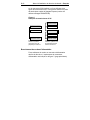
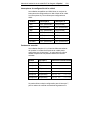
Remote SCSI Address Selection
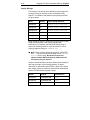
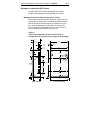
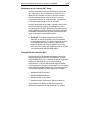
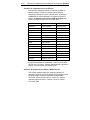
You can use pins 1 through 6 to select the SCSI address
remotely. To do so, connect a remote SCSI ID switch to pins
1 through 6. Pins 1 and 2 configure SCSI ID bit 0; pins 3 and
4 configure bit 1; and pins 5 and 6 configure bit 2.
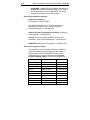
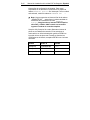
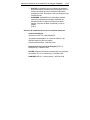
➤ Note: If you use remote SCSI ID selection, set switches
S1 through S3 to the OFF position (see Figure 2 on page
A-9).