1
Optelec
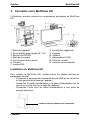
MultiView HD
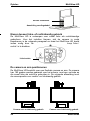
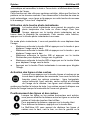
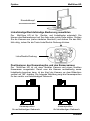
Power Switch
Power Interface
Choosing between left- or right-hand usage
The MultiView HD is designed for both left- and right-hand users. To set the
unit according to the type of user, position the camera head as described in
the next paragraph and rotate the MultiView HD image, if necessary, by
pressing the Left/Right Rotation button.
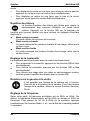
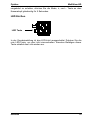
Left/Right Rotation
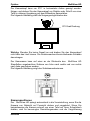
Positioning the camera head and camera arm
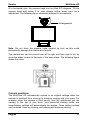
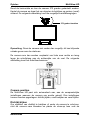
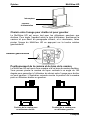
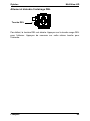
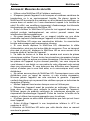
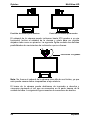
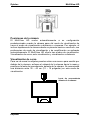
The MultiView HD features a flexible camera head and camera arm. The
camera head can be rotated 180 degrees at a vertical axis in front of the
screen to suit either the left- or right-handed user. The following figure
shows the camera head in the position for right- and left-handed users.
Camera position for right-handed user Camera position for left-handed user
10
English