1
-Insert the software CD into CD-ROM driver
-Install the USB driver first
-Install the software follow the on-screen instructions
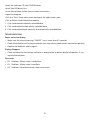
-Open the program
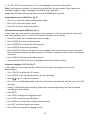
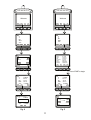
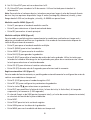
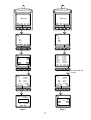
-Click the “Port” from main screen and input the right comm. port.
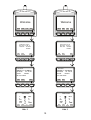
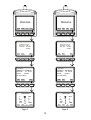
-Click as follow to download the memory
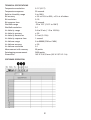
1. Click to download manually recorded data.
2. Click to download automatically recorded data
3. Click to download both manually & automatically recorded data
Troubleshooting
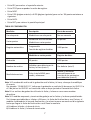
Power on but no display
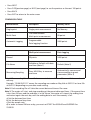
• Make sure the time of pressing ”ON/OFF” key is more than 0.2 seconds.
• Check the batteries are in place and make sure they are at good contact and correct polarity.
• Replace the batteries and try again .
Display disappear
• Check whether the low battery indicator is displayed on or before display disappears. If yes,
replace the batteries .
Error code:
• E2. Problem : Meter value is underflow .
• E3. Problem : Meter value is overflow.
• E4. Problem: Calculated source value occurs error.
9