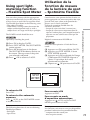
1
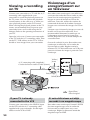
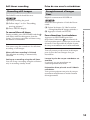
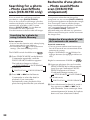
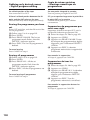
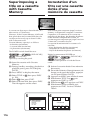
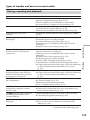
Searching for a photo – Photo
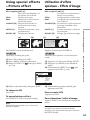
search/Photo scan (DCR-HC15E
only)
1
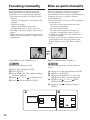
Recherche d’une photo – Photo
search/Photo scan (DCR-HC15E
uniquement)
2
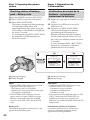
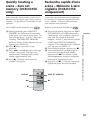
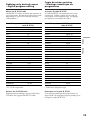
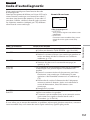
SEARCH
MODE
PHOTO SEARCH
1
5 / 9 / 03
2
6 / 9 / 03
3 24 / 12 / 03
4
1 / 1 / 04
5 11 / 2 / 04
6 29 / 4 / 04
17
8
10
22
16
13
:
:
:
:
:
:
30
50
30
26
11
45
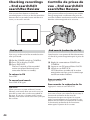
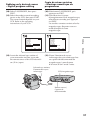
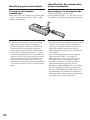
[b] [a]
[a] Le point que vous recherchez
[b] Point actuel sur la cassette
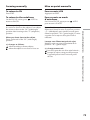
To stop searching
Pour mettre fin à la recherche
Press x on the Remote Commander.
Appuyez sur x sur la télécommande.
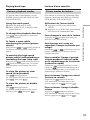
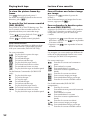
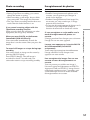
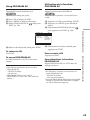
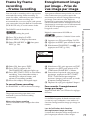
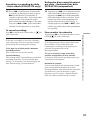
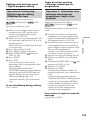
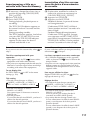
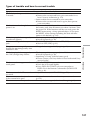
Searching for a photo without
using Cassette Memory
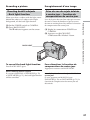
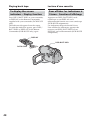
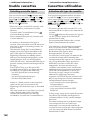
The POWER switch should be set to
Operate by touching the panel.
.
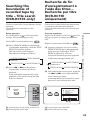
t DATE SEARCH
(no indicator)
R
PHOTO SCAN T PHOTO SEARCH T
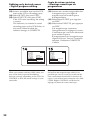
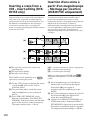
(6) Press . or > on the Remote
Commander to select the photo for
playback. Each time you press . or
>, your camcorder searches for the
previous or next photo.
Your camcorder automatically starts
playback of the photo.
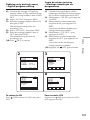
(1) Appuyez sur FN pour afficher PAGE1.
(2) Appuyez sur MENU pour afficher le menu.
(3) Sélectionnez CM SEARCH sous
, puis
appuyez sur EXEC (p. 137).
(4) Sélectionnez OFF, puis appuyez sur EXEC.
(5) Appuyez plusieurs fois sur la touche
SEARCH MODE de la télécommande
jusqu’à ce que l’indicateur PHOTO
SEARCH apparaisse à l’écran.
L’indicateur change comme suit :
t DATE SEARCH
(pas d’indicateur)
R
PHOTO SCAN T PHOTO SEARCH T
(6) Pour sélectionner la photo à lire,
appuyez sur . ou > sur la
télécommande. A chaque pression sur
. ou >, votre caméscope recherche
la photo précédente ou suivante.
Votre caméscope lit automatiquement la
photo.
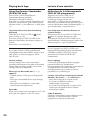
To stop searching
Press x on the Remote Commander or
your camcorder.
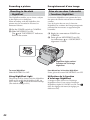
Réglez le commutateur POWER sur
.
Effectuez cette opération à l’aide de l’écran
tactile.
Opérations de lecture avancées
(1) Press FN to display PAGE1.
(2) Press MENU to display the menu.
, then press
(3) Select CM SEARCH in
EXEC (p. 129).
(4) Select OFF, then press EXEC.
(5) Press SEARCH MODE on the Remote
Commander repeatedly, until the
PHOTO SEARCH indicator appears.
The indicator changes as follows:
Recherche d’une photo sans
utiliser la mémoire de cassette
Advanced Playback Operations
[a] Actual point you are trying to search for
[b] Present point on the tape
on
Pour mettre fin à la recherche
Appuyez sur x sur la télécommande ou sur la
touche
de votre caméscope.
89