1
Understanding Basic Operations
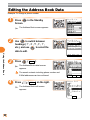
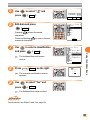
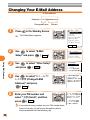
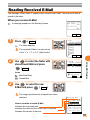
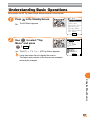
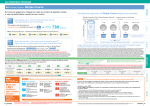
Let's access the EZ Top Menu which allows entrance to the Internet.
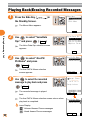
1
Press
in the Standby Screen.
The EZ Menu appears.
EZ Menu
1Top Menu
2Favorite Site
3URL Input 4Previous Disp.
5Data Folder
6Screen Memo
7Clr.BrowserRec
8EZ Setup
Select
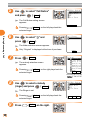
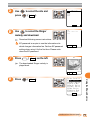
2
Use
to select "Top
Menu" and press
( Select ).
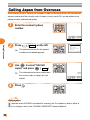
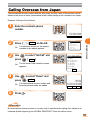
The EZトップメニュー (EZ Top Menu) appears.
It may take some time to display the screen.
EZトッフ゜メニュー
オフィシャる?au
△△△△△△△△△
おトク・知っトク
ケータイ・ツカエル機能
□□□□□□□□□
カテコ゛リで探す(EZインターネット)
音・画像をケ゛ット
最新情報をチェック
生活情報を調べる
Select
The layout and contents of the screen are examples
and may be changed.
Using the EZweb Service
67