1
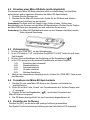
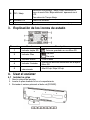
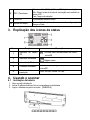
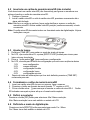
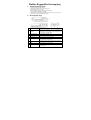
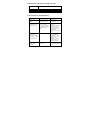
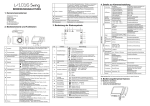
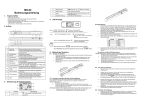
3. Explanation of the status icons
Item
Function
Description
1
SD card indicator
2
Battery indicator
3
Effect indicator
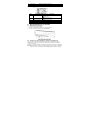
Photos will be stored in microSD card
Battery is full
Empty battery
Color or Mono
4
5
Counting indicator
Selected resolution
Show scanned files in microSD card
High:600 dpi / Low:300 dpi
4. Using the scanner
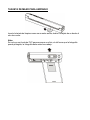
4.1 Installing the battery
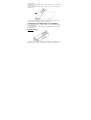
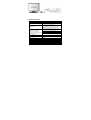
1. Open the battery door.
2. Insert 4x AA alkaline batteries into the battery compartment.
3. Turn on the scanner by pressing the [POWER] button.
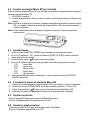
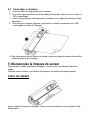
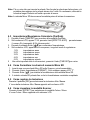
4.2 Inserting a microSD memory card (not included)
You must insert a microSD Card (not supplied) to record and store your pictures.Inserting
the microSD memory card:
1. Turn OFF the scanner.
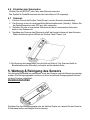
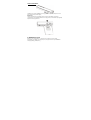
2. Insert the microSD card into the microSD card slot, gently press in until card is
latched.
Note: Do not force the card into the slot; forcing may damage scanner and the microSD
memory card. Align microSD card position (as marked) and try again.
Note: The microSD memory card must be formatted before scanning. See the following
instruction.