1
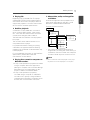
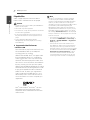
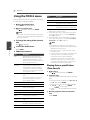
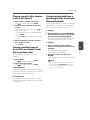
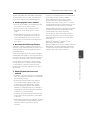
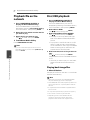
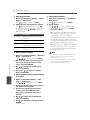
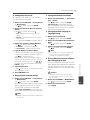
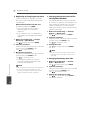
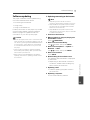
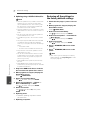
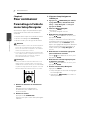
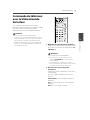
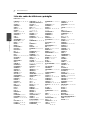
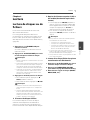
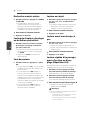
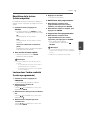
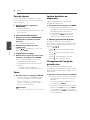
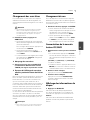
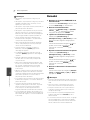
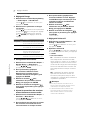
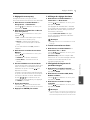
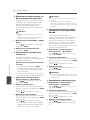
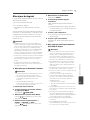
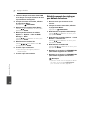
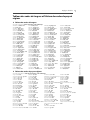
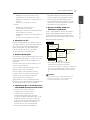
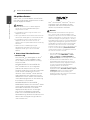
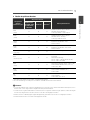
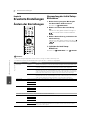
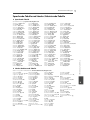
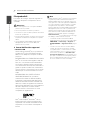
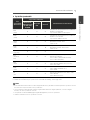
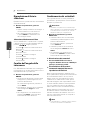
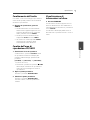
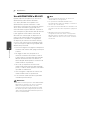
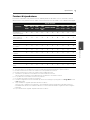
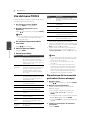
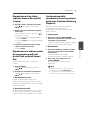
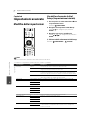
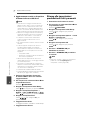
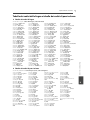
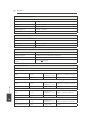
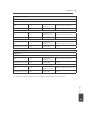
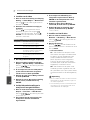
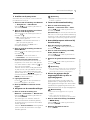
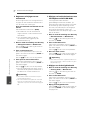
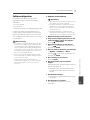
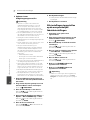
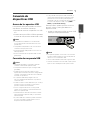
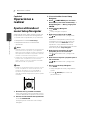
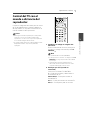
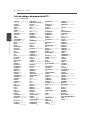
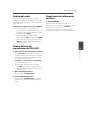
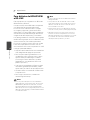
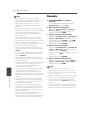
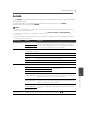
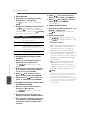
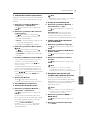
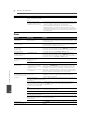
64 En Advanced settings Registering or Changing the password Usethisproceduretoregisterorchange thecodenumberrequiredfortheParental Locksettings. About default password of this unit Thedefaultpasswordis[0000]. y Thisunitmightaskyoutoentera passwordwhenyouchangethe password. y Ifyouresetthisunit,yourpasswordis simultaneouslychangedtothedefault setting. 1. Select and set Security d Change Password d Next Screen. Use / toselect,thenpressENTER. 2. Input the password. Usethenumberbuttons(0to9)toinputthe number,thenpressENTERtoset. Use / tomovethecursor. Advanced settings 8 3. Re-input the password. Usethenumberbuttons(0to9)toinputthe number,thenpressENTERtoset. Use / tomovethecursor. y Tochangethepassword,inputthe previouslyregisteredpassword,then inputthenewpassword. Note y Werecommendmakinganoteofthepassword. y Ifyouhaveforgottenthepassword,reset theplayertothefactorydefaultsetting,then registerthepasswordagain(page66). Changing the Parental Lock level for viewing DVDs/BD-ROMs SomeDVD-Videodiscscontainingscenes ofviolence,forexample,haveParentalLock levels(checktheindicationsonthedisc’s jacketorelsewhere).Torestrictviewing thesediscs,settheplayer’sleveltothelevel lowerthanthediscs. 1. Select and set Security d Parental Control d Next Screen. Use / toselect,thenpressENTER. 2. Input the password. Usethenumberbuttons(0to9)toinputthe number,thenpressENTERtoset. Use / tomovethecursor. 3. Change the level. Use / tochange,thenpressENTERto set. Note y ThelevelcanbesettoOfforbetweenLevel1 andLevel8.WhensettoOff,viewingisnot restricted. Changing the Country/Area code 1. Select and set Security d Country Code d Next Screen. Use / ttoselect,thenpressENTER. 2. Input the password. Usethenumberbuttons(0to9)toinputthe number,thenpressENTERtoset. Use / tomovethecursor. 3. Change the country/area code. Use / tochange,thenpressENTERto set.Refertopage67.