1
RS-P26 Printer
Contents
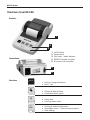
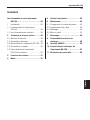
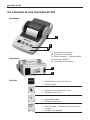
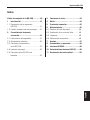
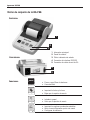
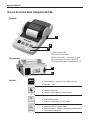
Overview of your RS-P26........................... 4
5 Printer test......................................... 9
1 Introduction........................................ 5
6 Maintenance....................................... 9
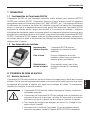
1.1 Capabilities of the RS-P26 Printer........... 5
6.1 Changing the paper roll....................... 10
1.2 Overview of functions............................ 5
6.2 Replacing the ribbon........................... 10
2 Startup procedure............................... 5
6.3 Cleaning........................................... 10
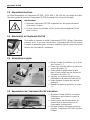
2.1 Safety measures................................... 5
6.4 Disposal........................................... 10
2.2 Power supply....................................... 6
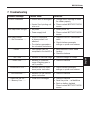
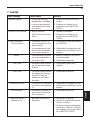
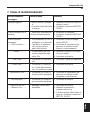
7 Troubleshooting................................ 11
2.3 Switching the RS-P26 on and off............ 6
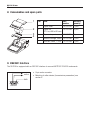
8 Consumables and spare parts............ 12
2.4 Inserting paper..................................... 6
9 RS232C Interface.............................. 12
2.5 Connecting the RS-P26 to the balance.... 6
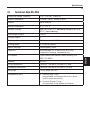
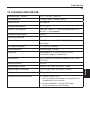
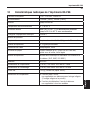
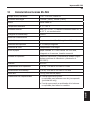
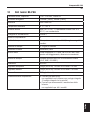
10 Technical data RS-P26...................... 13
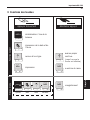
3 Keystroke functions............................. 7
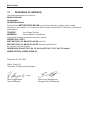
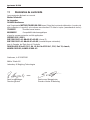
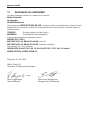
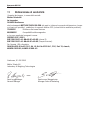
11 Declaration of conformity.................. 14
English
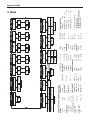
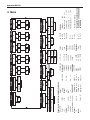
4 Menu.................................................. 8