1
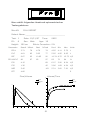
The printouts obtained will be identical to the single report produced
with option 2.
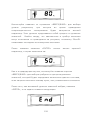
At any time during printing pressing ‘off’ will terminate the printing.
Should the printer fail to operate correctly then turn off both the
printer and the MicroDL unit, check all connections, and try again.
Option 4 – summary report of all records since last printout.
After turning the MicroDL on with the up key depressed, use the up
key three times to obtain printing option 4.
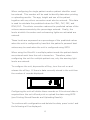
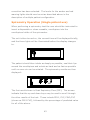
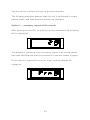
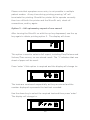
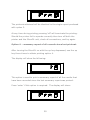
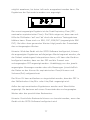
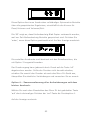
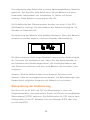
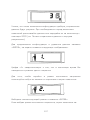
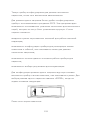
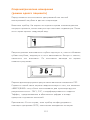
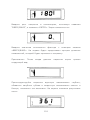
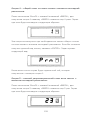
The display will show the following:
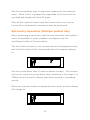
This option is used to print a summary report of all the results that
have been recorded since the last summary report was printed.
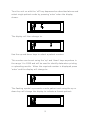
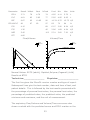
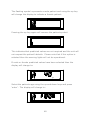
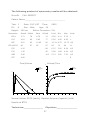
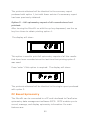
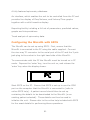
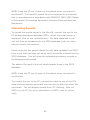
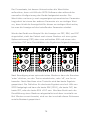
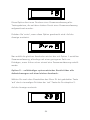
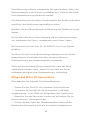
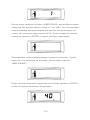
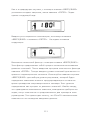
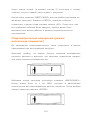
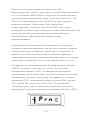
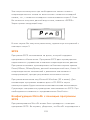
Press ‘enter’ if this option is required. The display will show:
59