1
16 Care and maintenance
16.2 Conditioning the flash capacitor
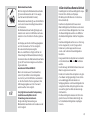
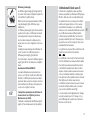
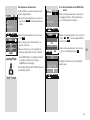
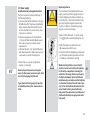
• The screen surface should only be cleaned
with a soft, dry cleaning cloth (e.g. microfibre cloth).
• If significant soiling nevertheless occurs,
the screen surface can be cleaned with a
slightly moist soft cloth.
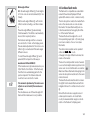
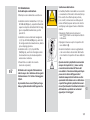
Never spray cleaning fluid on the surface
of the screen! If cleaning fluid penetrates
into the frame of the screen, the components there will be damaged beyond
repair.
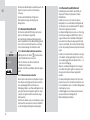
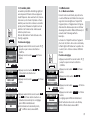
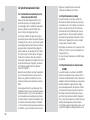
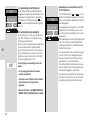
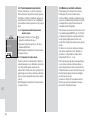
The flash capacitor built into the flash unit
undergoes a physical change when the
device has not been used for a long time.
For this reason it is necessary to switch the
device every three months for approx.
10 mins. The power supplies must deliver
enough power so that flash standby lights up
no later than 1 min after switching on.
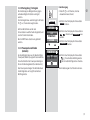
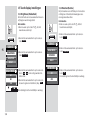
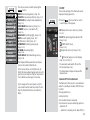
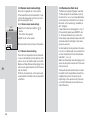
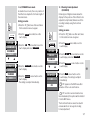
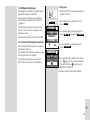
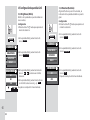
16.3 Reset
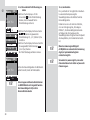
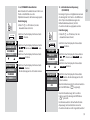
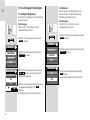
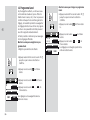
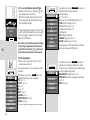
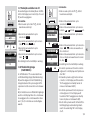
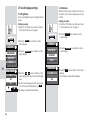
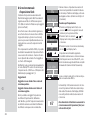
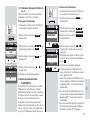
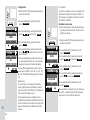
The flash unit can be reset to the factory settings when delivered.
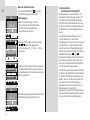
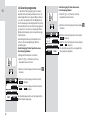
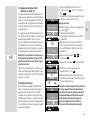
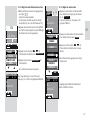
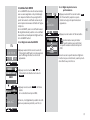
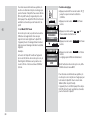
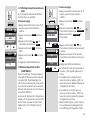
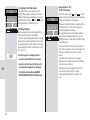
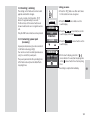
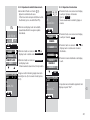
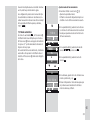
Setting procedure
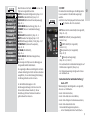
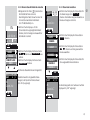
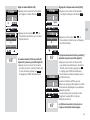
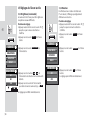
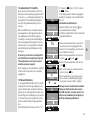
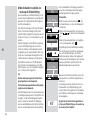
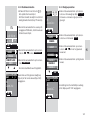
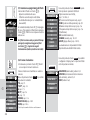
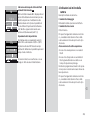
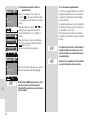
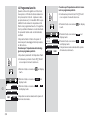
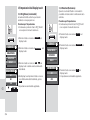
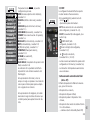
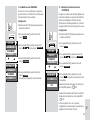
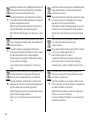
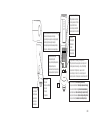
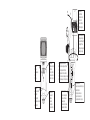
• Press the D button as often as it takes
for the selection menu to appear.
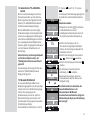
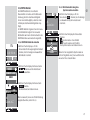
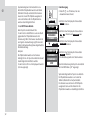
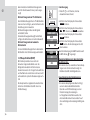
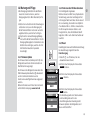
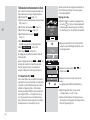
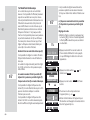
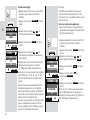
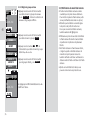
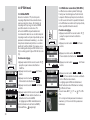
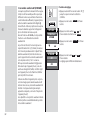
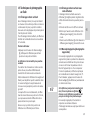
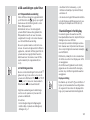
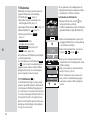
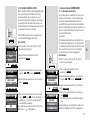
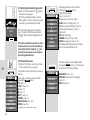
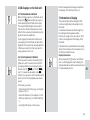
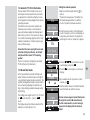
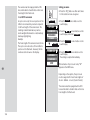
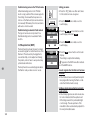
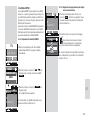
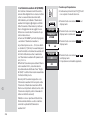
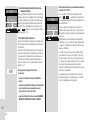
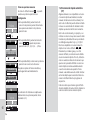
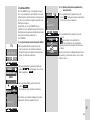
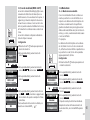
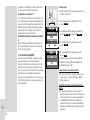
16.1 Firmware updates
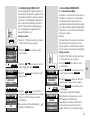
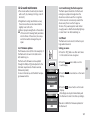
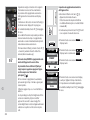
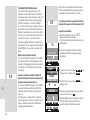
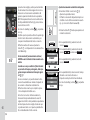
The firmware version (V.10 in the example) of
the flash unit is shown in the start screen
after switching on.
The flash unit’s firmware can be updated
through the USB port and adjusted to the
technical requirements of future cameras
(Firmware Update).
For more information, visit the Metz homepage at www.metz.de.
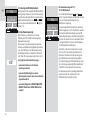
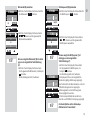
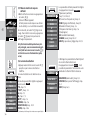
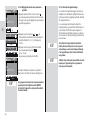
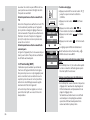
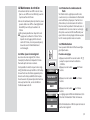
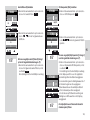
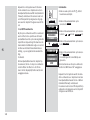
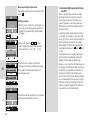
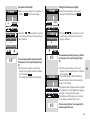
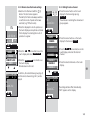
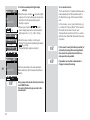
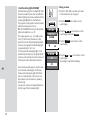
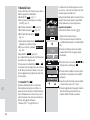
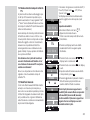
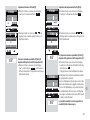
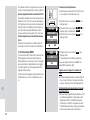
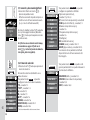
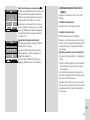
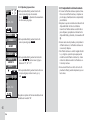
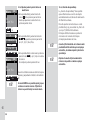
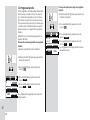
• Press the SERVICE sensor button on the
touch display.
SERVICE
SERVICE O
BRIGHTNESS
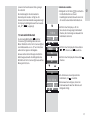
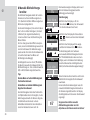
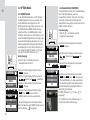
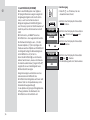
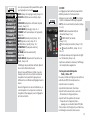
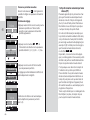
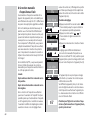
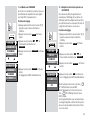
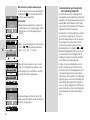
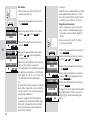
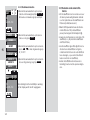
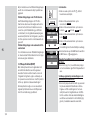
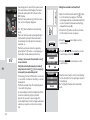
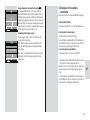
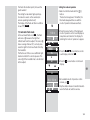
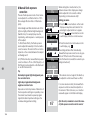
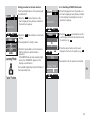
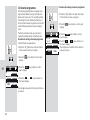
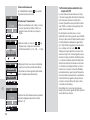
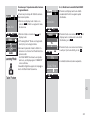
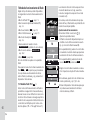
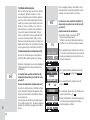
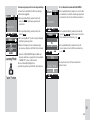
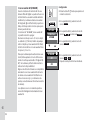
• Press the
display.
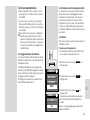
RESET
sensor button on the touch
ROTATION
RESET
RESET
O
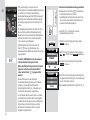
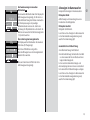
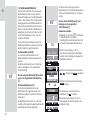
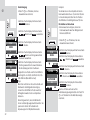
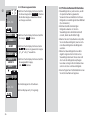
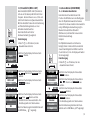
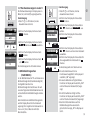
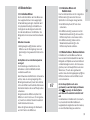
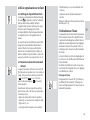
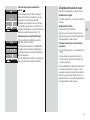
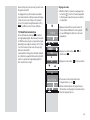
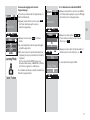
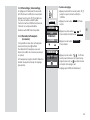
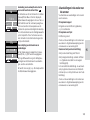
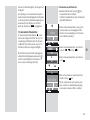
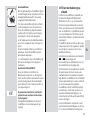
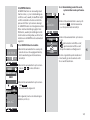
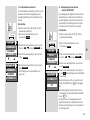
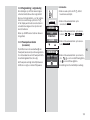
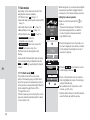
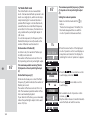
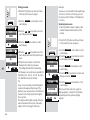
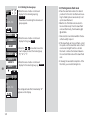
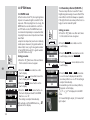
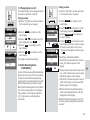
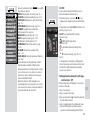
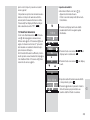
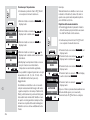
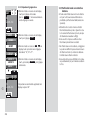
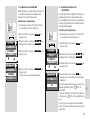
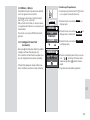
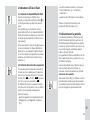
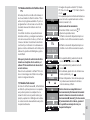
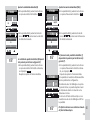
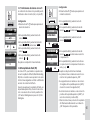
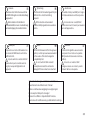
• Press the ON sensor button on the touch
display.
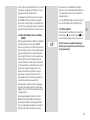
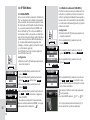
All settings are adopted immediately and
the flash unit is reset to its factory settings.
OFF
ON
This will not affect the firmware updates for
the flash unit!
187
k