1
5
5.1
Curing
Setting of the Exposure Time/Continuous Mode
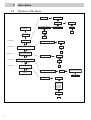
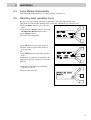
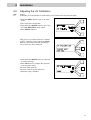
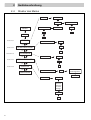
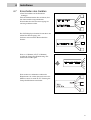
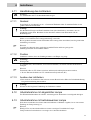
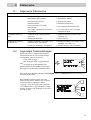
• Press the MENU button to get to the main
menu.
• The status LED extinguishes.
• Press the UP or DOWN button to get to the
TIMER menu option.
• Press SELECT button.
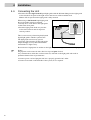
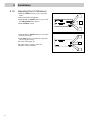
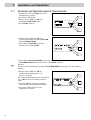
• Press the UP or DOWN button to get to the
TIMER menu or the CONTINUOUS
mode option.
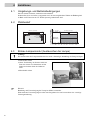
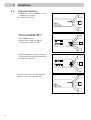
• If the TIMER mode is required press
SELECT button to come into the
TIMER SET.
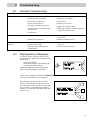
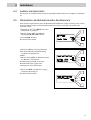
SELECT MODE
TIMER
SELECT
UP
DOWN
• If CONTINUOUS mode is required press the UP or DOWN button to get to the
CONTINUOUS menu option and than press SELECT button.
Notice!
For further adjustments in CONTINUOUS mode skip the next 3 steps.
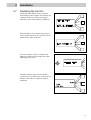
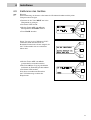
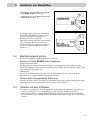
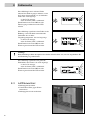
• Press the UP or DOWN button to select the
desired exposure time, e.g. 001.25 s.
Keeping the UP or DOWN button depressed
will result in accelerated up or down time
count.
• Press OK button to complete the operation
and accept the setting.
• The status LED lights up main window
appears.
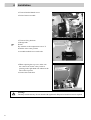
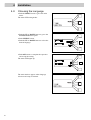
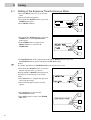
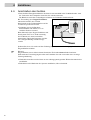
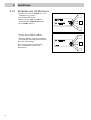
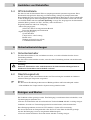
• Press ON button to switch on the
CONTINUOUS mode.
• Press OFF button to come to the TIMER
SET mode.
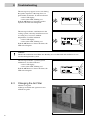
CONTINUOUS MODE
ON
OFF
26