1
English
Congratulations on your purchase of this outstanding LevelOne WAP-0007 Wireless
11g AP Storage.
This is a step-by-step instruction of how to start using the AP Storage and get
connected to the Internet.
Any further problem, please refer to the User`s manual.
Please turn off the power, remove the power cord from the outlet, and keep your
hands dry when you try to install the hardware of this product.
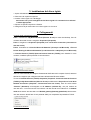
1. Hardware Installation
1. Setup LAN connection: Connect an Ethernet cable from one of the LAN port of
your router to the LAN port of WAP-0007. The LAN port is MDI/MDIX
auto-detection.
2. Power on: Connecting the power adapter to power outlet and this product will start
up automatically.
3. USB1/USB2: You can connect any USB storage to these two USB ports.
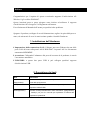
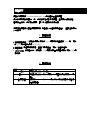
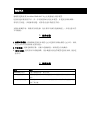
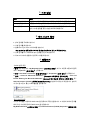
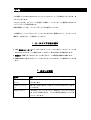
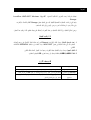
2. Button Description
Buttons
Description
Shutdown
Press the button about 4 seconds to shut down the whole system
before power-off.
Backup
Press the button over 4 seconds to copy data form USB device to
HDD
Reset
Press the buttons of “Shutdown” and “Backup” simultaneously over
6 seconds to reset the system setting to factory default.