1
TM
English
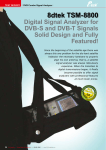
TSM 8800
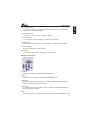
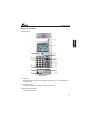
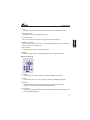
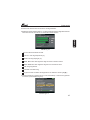
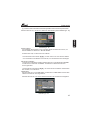
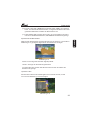
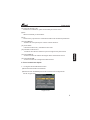
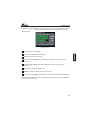
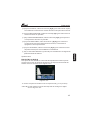
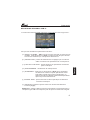
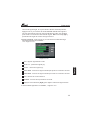
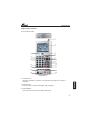
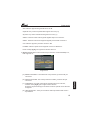
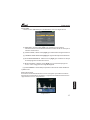
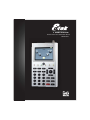
4.Lock Light:
Lights up when signal is locked.
5.22K/13V/18V light:
Indicates the mode of 22K/13V/18V
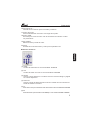
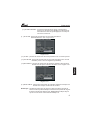
6.Function Key:
SPCM: The short cut key to active the spectrum menu, or switch between
analogue mode and digital mode in the Spectrum menu.
0/22K: A quick key to switch 22K output on the SIGNAL FINDING menu
H/V: A quick key to switch 13V/18V output on the SIGNAL FINDING menu
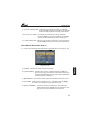
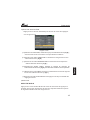
7.Arrow Key and OK Key:
Use Arrow key to browse and shift menu icons, press OK key to select
option
8.Numerical Key:
To enter numerical settings and parameters
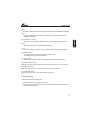
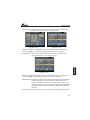
9.T/S Key:
The short cut key to activate signal searching mode; or switch between
satellite signal mode and terrestrial signal mode.
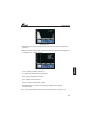
10.MENU Key:
Display the main menu or returns to the previous/upper menu.
11.EXIT Key:
Cancel the selection and exit from the present menu.
12.ANGLE Key:
The short cut key to activate the dish angle calculation menu.
13.SYSTEM Key:
The short cut key to activate the system setup menu.
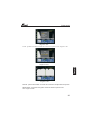
14.POWER Key:
For power-on/off, press and hold on the ON key for 3 seconds to
switch .
4