1
español
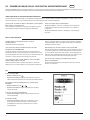
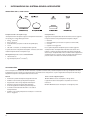
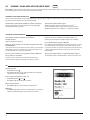
Audio
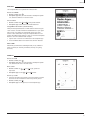
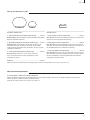
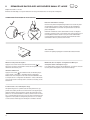
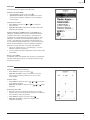
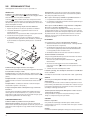
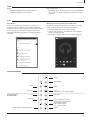
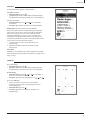
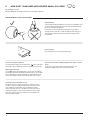
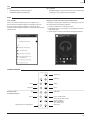
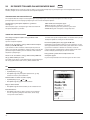
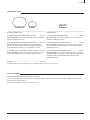
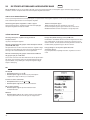
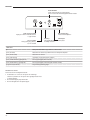
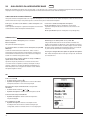
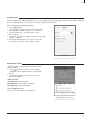
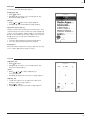
Volumen
Graves y agudos
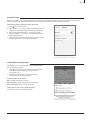
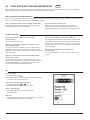
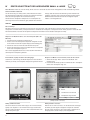
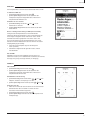
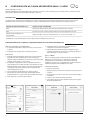
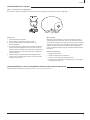
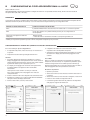
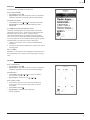
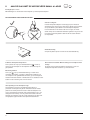
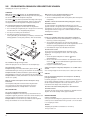
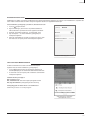
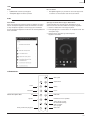
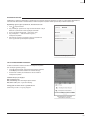
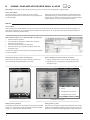
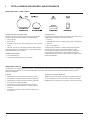
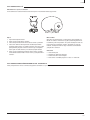
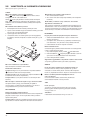
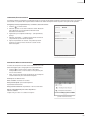
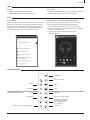
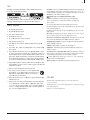
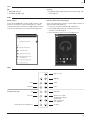
• Mando a distancia: utilice los botones de volumen
• Aplicación AeroSphère: toque en el icono de nota musical en la
parte inferior derecha de la pantalla y, a continuación, utilice la barra
de graves y agudos.
• Aplicación AeroSphère: utilice la barra de volumen
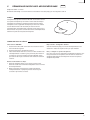
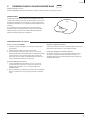
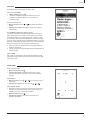
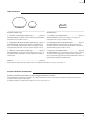
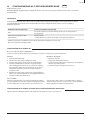
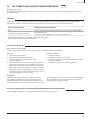
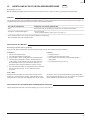
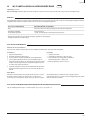
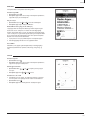
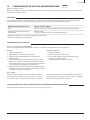
DLNA
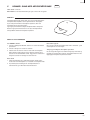
¿Qué es DLNA?
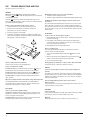
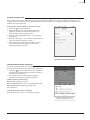
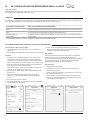
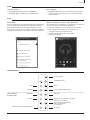
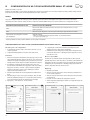
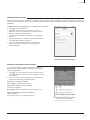
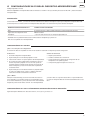
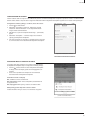
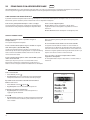
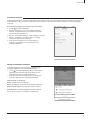
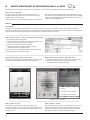
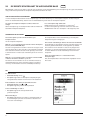
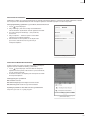
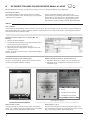
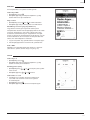
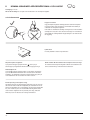
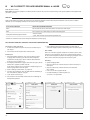
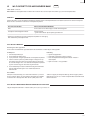
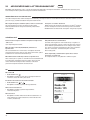
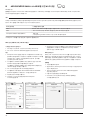
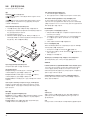
Reproducción de música desde la aplicación “BubbleUPnP” de Android
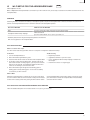
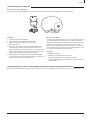
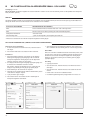
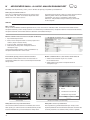
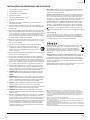
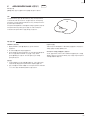
DLNA es un estándar para transmisión de audio a través de una red
doméstica a un altavoz. Los altavoces AeroSphère son compatibles
con DLNA. Una vez que el usuario selecciona el altavoz AeroSphère
en una aplicación DLNA de un smartphone, los altavoces AeroSphère
cambian automáticamente de la fuente de audio actual a DLNA.
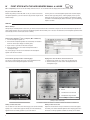
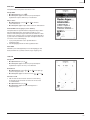
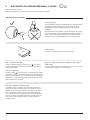
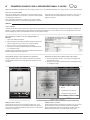
Recomendamos la aplicación “BubbleUPnP” para transmitir música
desde su teléfono Android al altavoz Android.
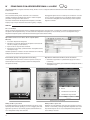
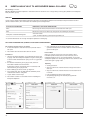
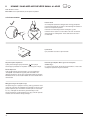
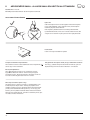
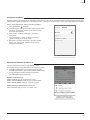
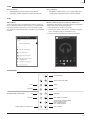
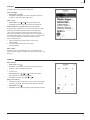
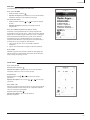
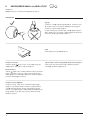
1. Descargue “BubbleUPnP” desde la tienda Google Play.
2. Cambie la salida de audio de “Procesador Local” a “ AeroSphère
Small” o “AeroSphère Large”.
3. La música se reproducirá automáticamente en el
altavoz AeroSphère.
2
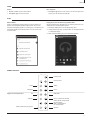
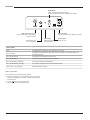
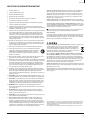
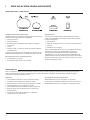
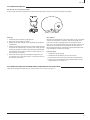
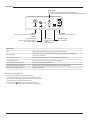
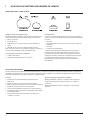
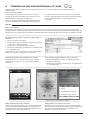
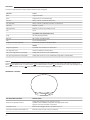
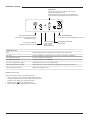
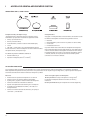
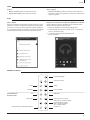
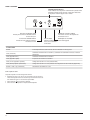
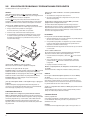
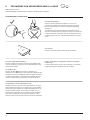
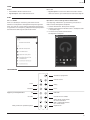
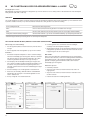
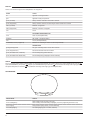
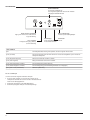
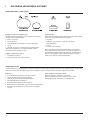
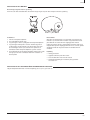
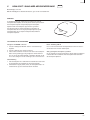
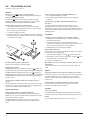
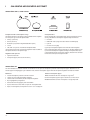
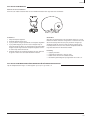
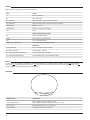
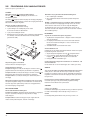
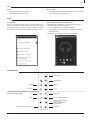
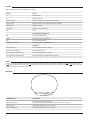
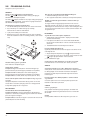
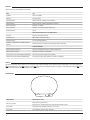
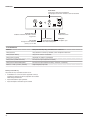
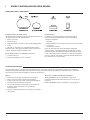
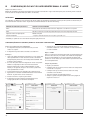
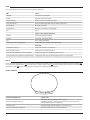
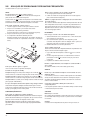
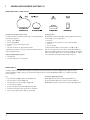
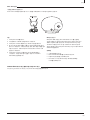
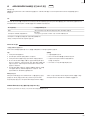
Mando a distancia
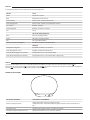
Encendido/Apagado
Control de volumen
DLNA
Bluetooth
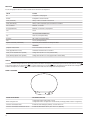
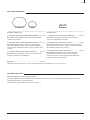
Compatibilidad de
AeroSphère Base
FM
CD de audio
AirPlay
Línea de entrada
DAB / DAB+
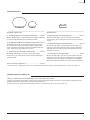
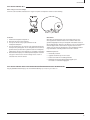
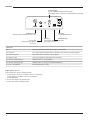
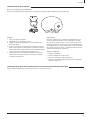
Conector Line-In en la base
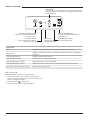
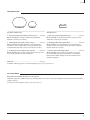
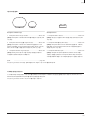
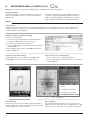
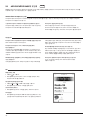
AirPlay / DLNA: cambiar de pistas FM: búsqueda automática
DAB+: cambiar de emisora
CD+: cambiar de pista
AirPlay / DLNA / CD: reproducción/pausa
Expulsar CD
57