1
English
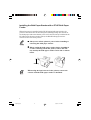
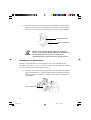
Removing the sub tray
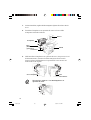
To remove the sub tray, press at (A) as shown in the figure below.
(A)
Sub Tray
Operating the Bulk Paper Stacker
1.
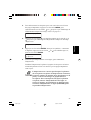
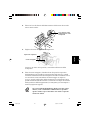
Turn printer power on by pressing the printer’s power switch. If
there is no paper in the stacker, the stacker’s tray rises to the
home (uppermost) position.
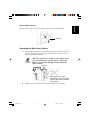
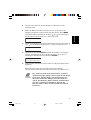
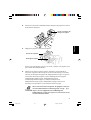
When the paper tray is rising or descending, do not
put your hand above or below the tray. Keep your
fingers out of the left and right cutouts inside the
paper stacker.
Cutouts
When the tray is rising or
descending, keep your fingers
out from the inside of the bulk
paper stacker.
2.
Make sure that the printer’s message display shows Ready.
7
HS8-Eng.p65
7
8/8/01, 11:28 AM