1
Instructions for Use
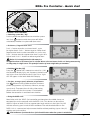
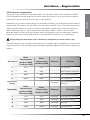
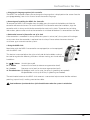
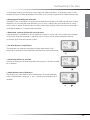
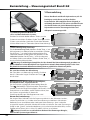
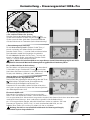
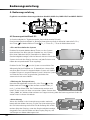
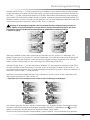
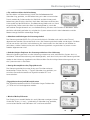
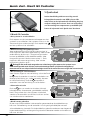
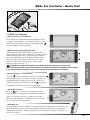
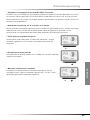
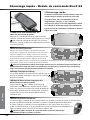
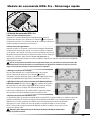
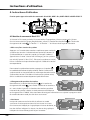
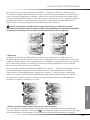
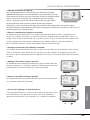
• Switching lights On / Off
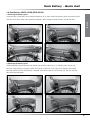
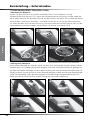
Press
button for 2 seconds to switch On / Off the Controller
ENGLISH
display light, and, if present, the front and rear lights. This
switches on the front light, the rear light, and the backlight in
the display. The lights will stay on even when you stop. To
switch the lights off, hold the button for 2 seconds. Even when the battery-gauge shows ‘empty’, there
is enough energy to run the lights for about two hours. If the battery-pack is fully drained, the lights
will be powered by the system as it switches to generative mode automatically.
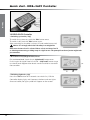
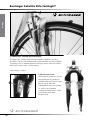
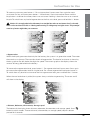
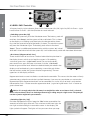
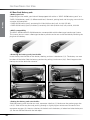
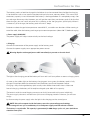
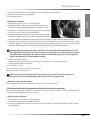
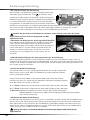
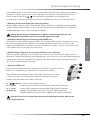
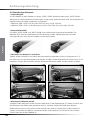
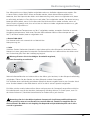
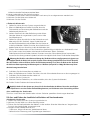
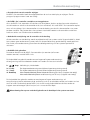
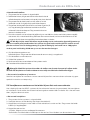
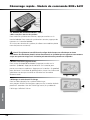
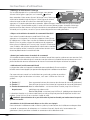
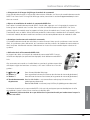
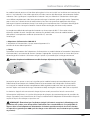
• Removing and installing the BionX G2 Controller
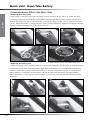
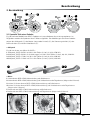
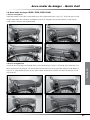
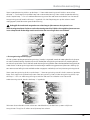
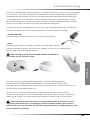
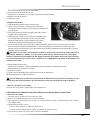
To remove the BionX G2 Controller from the bike, press the
catch at the back of the holder and slide the controller off
towards the rear. To install the BionX G2 Controller onto the
handlebar, align the controller with its clamp and slide the
controller forward until it clicks. To prevent loss of riding
information, please make sure that the system is switched
off before the controller is removed from the bike.
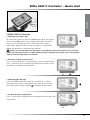
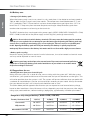
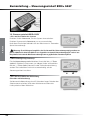
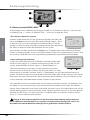
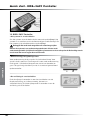
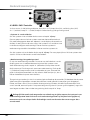
• Unintended removal of Controller out of its dock.
If the controller is moved off its clamp while the system is active (‘on’), the system will no longer
assist, even when the controller is replaced into its clamp. Please select the correct level of
assistance again to reactivate the system.
1
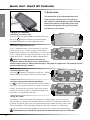
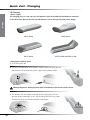
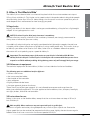
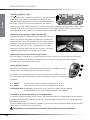
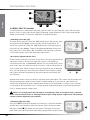
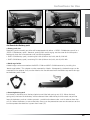
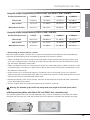
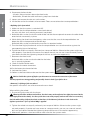
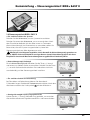
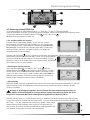
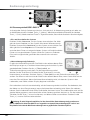
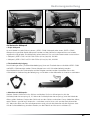
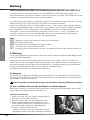
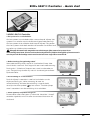
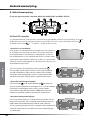
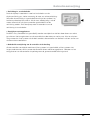
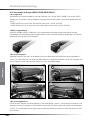
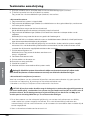
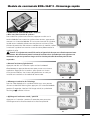
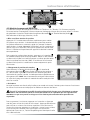
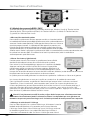
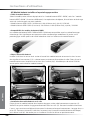
• Using the BionX remote
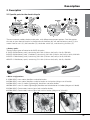
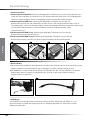
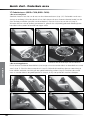
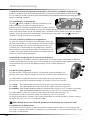
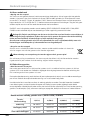
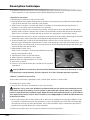
Most bikes with the BionX G2 controller positioned on the middle clamp are
equipped (or can be equipped) with the BionX remote.
This device is mounted either the right or left side of the handlebar and can
be used to regulate the following functions without moving your hands off the
handlebar:
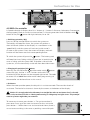
2
3
1•‘+’button
Increase assist level (or decrease regeneration level)
2•‘-‘button
Decrease assist level (or increase regeneration level)
3•Throttlebutton ForPedelecs: walk assist up to 3 or 6 km/h (pedaling not needed)
ForfastE-bikes: assist up to 25 km/h (pedaling not needed)
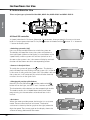
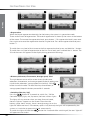
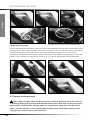
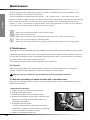
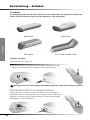
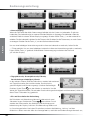
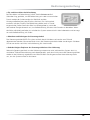
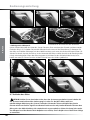
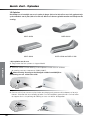
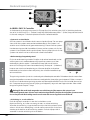
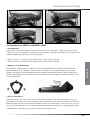
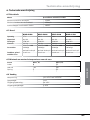
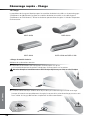
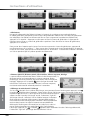
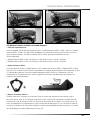
• Installation of the BionX remote for non-equipped bikes:
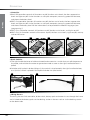
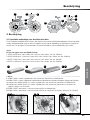
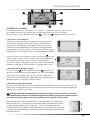
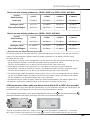
To connect the BionX remote to the system, the remote connector can be plugged into the receiver
connector of the controller docking. After that, the brake generator connector can be plugged into
the remote connector.
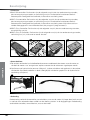
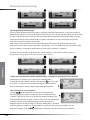
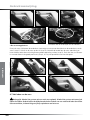
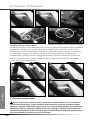
The red throttle button on the BionX remote is a convenient help to move the bike without pedaling
(up to 4 km/h) walking next to the e-bike.
Caution:Beware of unintended use of the throttle button when the system is switched on.
20