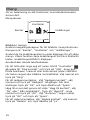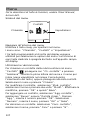
1
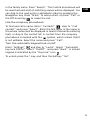
in the family name. Press “Search”. The Central phonebook will
be searched and a list of matching names will be displayed. You
can step to the next entry in alphabetic order by pressing the
Navigation key. Press “More” to add contact, or press “Call” or
the Off-hook key
to make the call.
GB
Use the company phonebook
To find and call a name: Enter “Contacts”
, step to “Call
contact” and press “Select”. Enter the first letter in the name or
the whole name (will be displayed in Search field while entering
text), or step in the contact list. A contact from the company
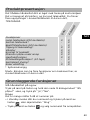
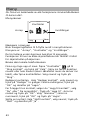
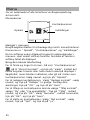
phonebook is marked with the
symbol, which means that it
is not editable. Select the name and press “Call”.
Turn the automatic keypad lock on/off
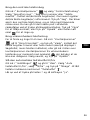
Enter “Settings”
, and step to “Locks”. Select “Automatic
key lock Off/On”, select “On/Off”, and press “Back”. A locked
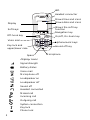
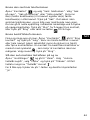
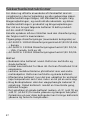
keypad is indicated by the “Key lock” icon
.
To unlock,press the *-key, and then the Softkey "Yes”.
8