1
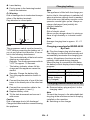
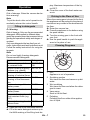
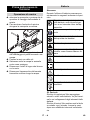
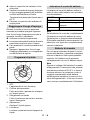
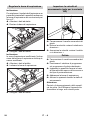
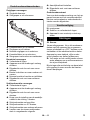
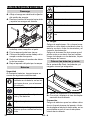
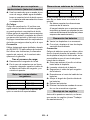
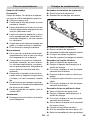
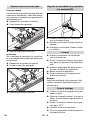
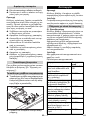
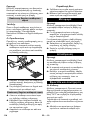
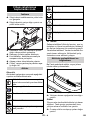
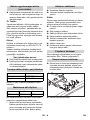
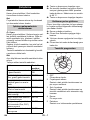
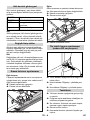
Inclination If the vacuum result is unsatisfactory the inclination of the straight vacuum bar can be modified. Release the wing nuts. Tilt the vacuum bar. Battery control display The battery control display shows the charging status of the batteries when the charger has been connected: 40-100% 20-40% 0-20% empty glows green glows yellow slowly blinks red glows red Note The appliance is switched off automatically if the battery has been fully discharged (battery indicator glows red). You can restart the appliance only after you have fully charged the battery. Spare batteries You can acquire additional sets of batteries to avoid the waiting time when the batteries are getting charged. You can then replace the empty battery set in the appliance by a charged set of batteries. Note The spare battery set must show a minimum voltage of 25.8 V when you connect it to the appliance. If the voltage is lower, the electronic mechanism to prevent total discharge will block the appliance startup. In such a case you would need to fully charge the battery. Tighten the wing nuts. Setting the advance speed (BD model only) Setting the Vacuum Bar Oblique position To improve the vacuuming result on tiled floors the vacuum bar can be turned to an oblique position of up to 5°. Release the wing nuts. Turn the vacuum bar. Turn the running gear to the front with your foot. Reducing the speed: Turn the wheel in – direction. Increasing the speed: Turn the wheel in + direction. Tighten the wing nuts. 24 EN – 8