1
Quick Start Guide
Contents
1.
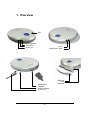
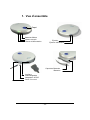
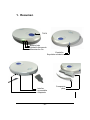
Overview ....................................................... 5
2.
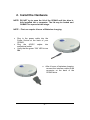
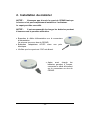
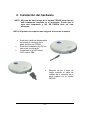
Install the Hardware ...................................... 6
3.
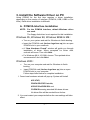
Install the Software Driver on PC :
A. PCMCIA Interface Installation ................... 7
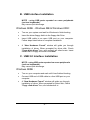
B. USB Interface Installation ......................... 8
C. USB 2.0 Interface Installation ................... 8
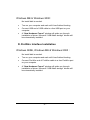
D. FireWire Interface Installation ................... 9
4.
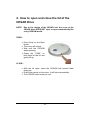
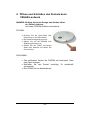
How to open and close the lid of the
CESAR Drive .............................................. 10
5.
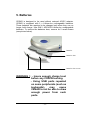
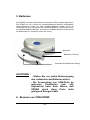
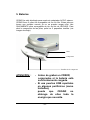
Batteries ...................................................... 11
6.
CDR-CRDRW burning :
A. Install the Nero Burning ROM Software (PC) .. 12
B. Using CESAR with Nero ................................. 12
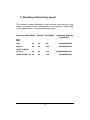
C. Reading and burning speed............................ 13
7.
Customer Support ....................................... 14
CLASS 1 LASER PRODUCT
DANGER INVISIBLE LASER RADIATION WHEN OPEN.
AVOID DIRECT EXPOSURE TO BEAM.
-2-