1
Owner ’s manual
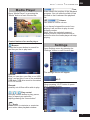
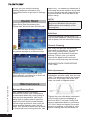
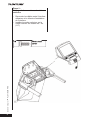
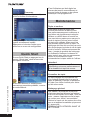
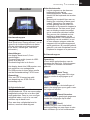
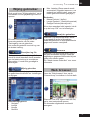
Media Player
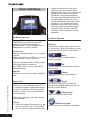
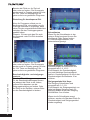
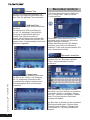
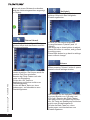
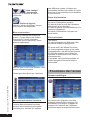
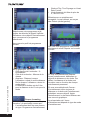
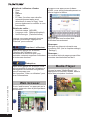
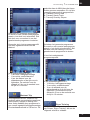
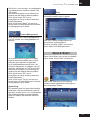
Open “Media Player” by pressing the
“Media” button in main function bar.
•
P L AT I N U M P R O
GB
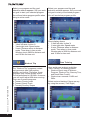
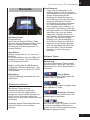
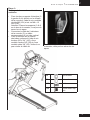
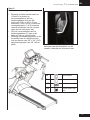
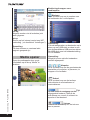
Time
Slider shows the position of the playback
progress. You can slide the slider to fast
forward or fast backward the playback
file.
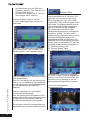
Volume
Use slider to control volume
If you haven’t stopped the music from
playing it will continue to play in most
program modes.
Note: When the selected program/
display function requires music and or
movie function the media player will stop
playing.
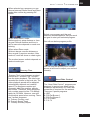
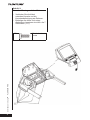
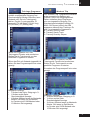
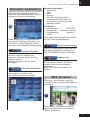
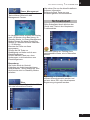
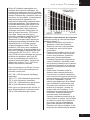
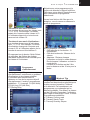
Control buttons for media player
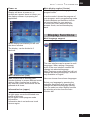
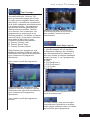
Browse
Press the browse button to search for
the files you like to play back.
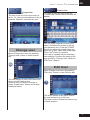
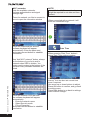
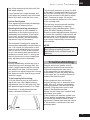
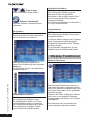
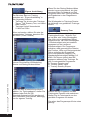
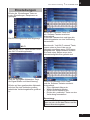
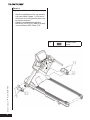
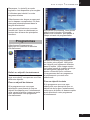
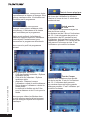
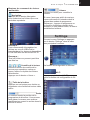
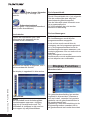
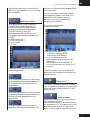
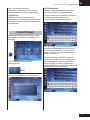
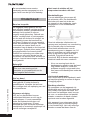
Settings
Open Settings menu by pressing the
“Settings” button in main function bar.
The settings window will appear.
Remark:
Best you can store your files on an USB
drive, and put this in one of the available
USB slots. USB drive must be formatted
in FAT32 format.
Remark:
possibly not all files will be able to play.
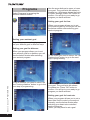
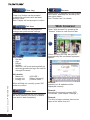
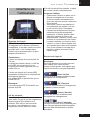
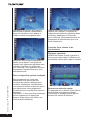
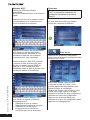
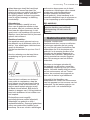
Wi-Fi
When pressing “Wi-Fi” button it opens
Wi-Fi settings window.
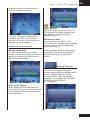
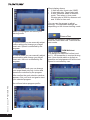
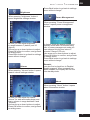
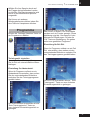
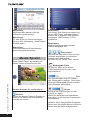
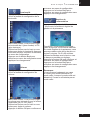
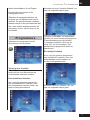
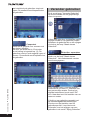
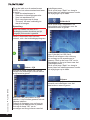
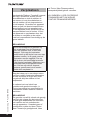
Play control
Use play control button to play, pause,
stop or repeat your selection.
rapidly pressing the “home button”
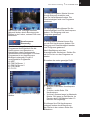
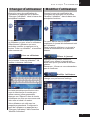
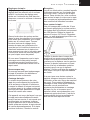
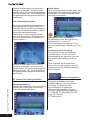
Scale
Press button to minimize or maximize
your active video playback window.
21