1
OBJ_BUCH-1573-003.book Page 129 Friday, November 23, 2012 9:10 AM
Suomi | 129
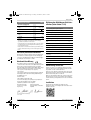
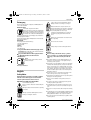
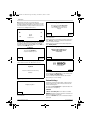
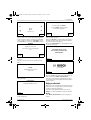
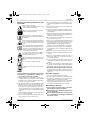
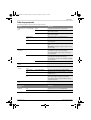
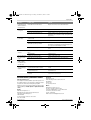
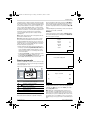
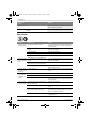
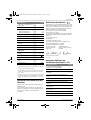
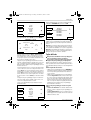
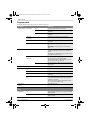
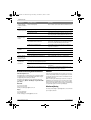
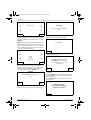
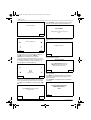
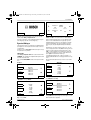
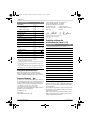
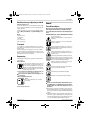
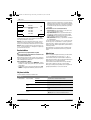
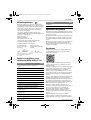
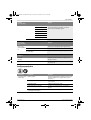
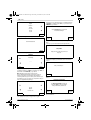
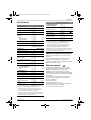
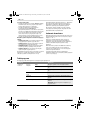
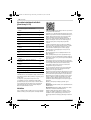
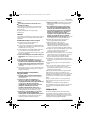
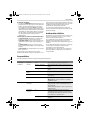
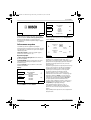
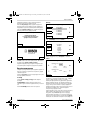
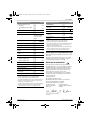
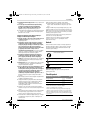
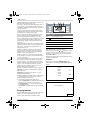
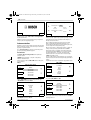
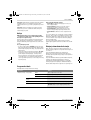
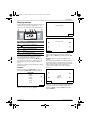
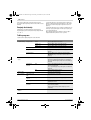
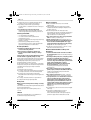
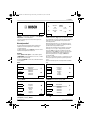
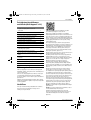
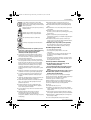
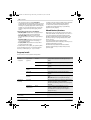
Asetukset
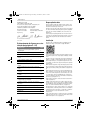
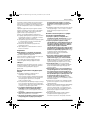
Turvallisuusoptiot
Selvitys
PIN muutos
Automaattinen
lukitus
Uudelleenaktivointiin automaattisen lukituksen ja turvakatkaisun jälkeen vaaditaan PIN-koodin syöttö.
PIN-koodin muutos vaatii ensin vanhan PIN-koodin syötön.
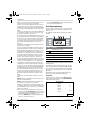
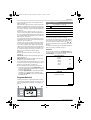
ON
Näppäimet lukkiutuvat automaattisesti ellei 3 minuutin
aikana paineta mitään näppäintä.
Tätä asetusta suositellaan varmuussyistä ja varkaussuojaksi.
OFF
Näppäimet ovat aina valmiina syöttöä varten.
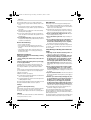
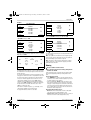
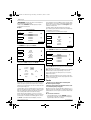
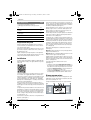
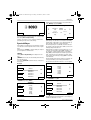
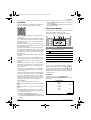
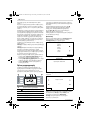
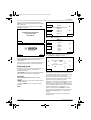
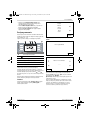
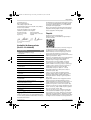
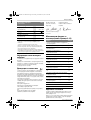
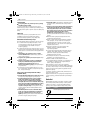
Näyttöruudun kielen muutos.
Kielen valinta
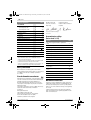
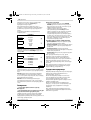
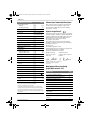
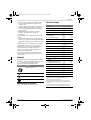
Järjestelmäoptiot
Näppäinäänten voimakkuuden muutos.
Näppäinten äänenvoimakkuus
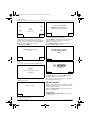
Näytön säätö
Näytön kirkkaus
Näytön kirkkauden säätö valoisammaksi tai tummemmaksi.
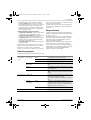
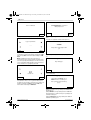
Tieto
Tietoa ohjelmaversiosta, sarjanumerosta ja viimeisimmästä huollosta.
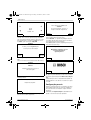
Tehdasasetukset
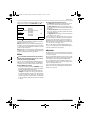
Puutarhalaitteen palautus tehdasasetuksiin poistaa
kaikki henkilökohtaiset asetukset.
Palautus tehdasasetuksiin vaatii uuden asennuksen.
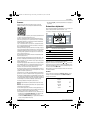
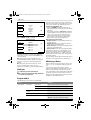
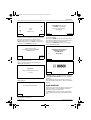
Ajan & päiväm.
asetus
Ajan ja päivämäärän syöttö.
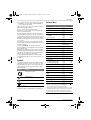
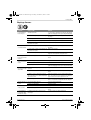
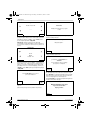
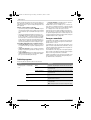
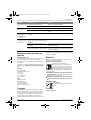
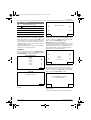
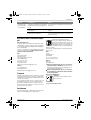
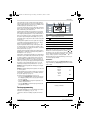
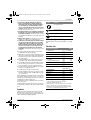
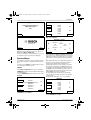
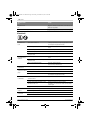
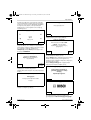
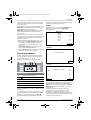
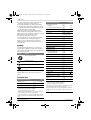
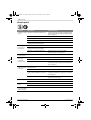
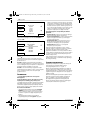
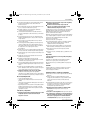
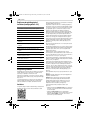
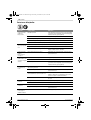
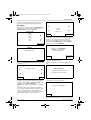
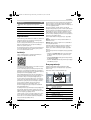
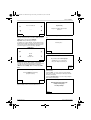
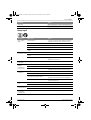
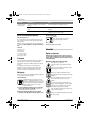
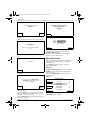
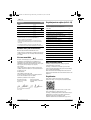
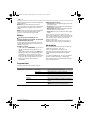
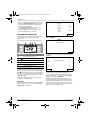
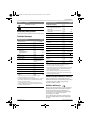
Ajastuksen
valinta
Selvitys
MANUAAL.
OHJELMA 1 – 5
Tieto
Aputietoa MANUAAL. käyttöön.
Valitse
Valitse tämä toiminto, jos aikasuunnitelmaa ei tulla käyttämään.
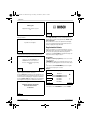
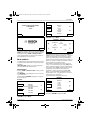
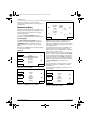
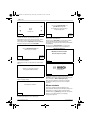
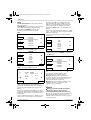
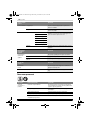
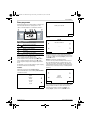
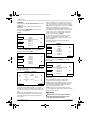
Muuta
Maanantain muokkaus
Tiistain muokkaus
Jopa viiden automaattisen aikasuunnitelman ohjelmointi asettamalla yksilöllisiä leikkuupäiviä ja aikaikkunoita.
Keskiviikon muokkaus
Torstain muokkaus
Perjantain muokkaus
Lauantain muokkaus
Sunnuntain muokkaus
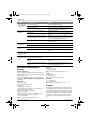
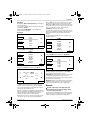
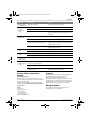
Valitse
Aktivoi yhden viidestä yksilöllisestä aikasuunnitelmasta.
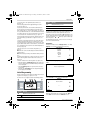
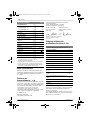
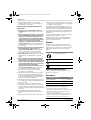
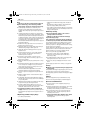
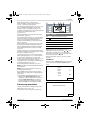
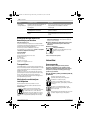
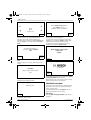
Aikasuunnitelman tiedot
Selvitys
Aikasuunnitelman tiedot
Katsaus ohjelmoituihin leikkuupäiviin.
Bosch Power Tools
Tak.
Takaisin päävalikkoon.
Ajastuksen
valinta
Alavalikon ”Ajastuksen valinta” kutsuminen.
F 016 L70 825 | (23.11.12)