1
OBJ_BUCH-1573-003.book Page 109 Friday, November 23, 2012 9:10 AM
Svenska | 109
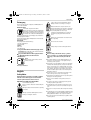
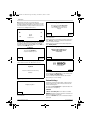
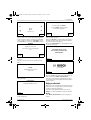
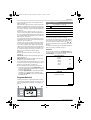
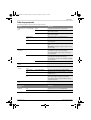
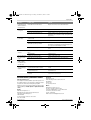
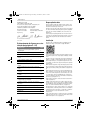
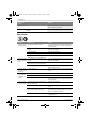
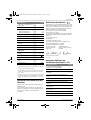
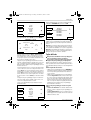
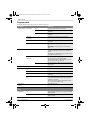
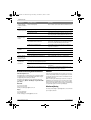
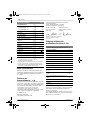
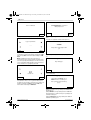
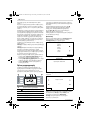
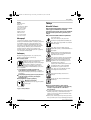
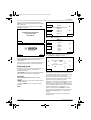
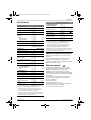
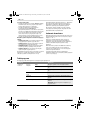
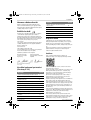
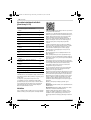
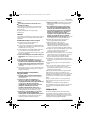
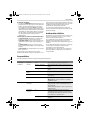
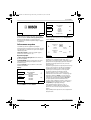
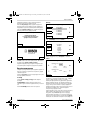
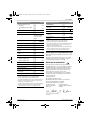
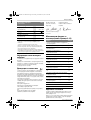
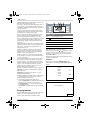
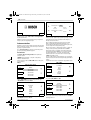
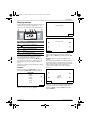
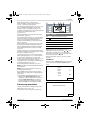
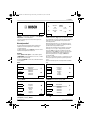
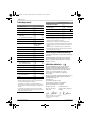
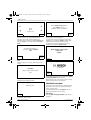
Inställningar
Förklaring
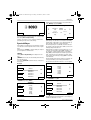
Välj språk
Ändra indikeringsspråket.
Systemalternativ Ställ in knappvolym
Ändra knapptonens ljudstyrka.
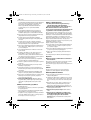
Ställ in display
Displayljusstyrka
Info
Information om programversion, serienummer och
senaste service.
Fabriksinställning
Trädgårdsredskapets återställning till fabriksinställningen raderar alla personliga inställningar.
Återställning till fabriksinställning kräver nyinstallation.
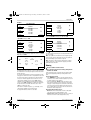
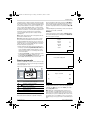
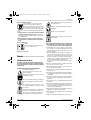
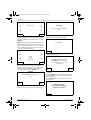
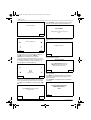
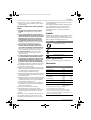
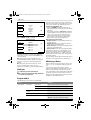
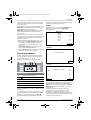
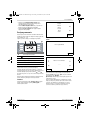
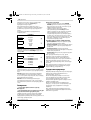
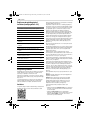
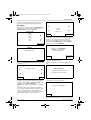
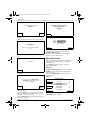
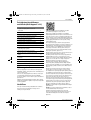
Mata in tid och datum.
Ställ in datum/tid
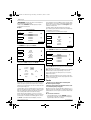
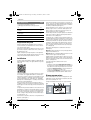
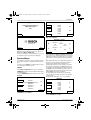
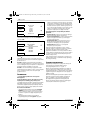
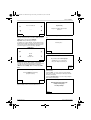
Välj tidsschema
MANUELL
TIDSCH 1 – 5
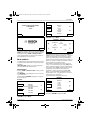
Ställ in displayens ljusstyrka till ljusare eller mörkare.
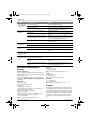
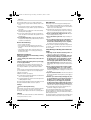
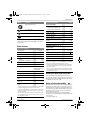
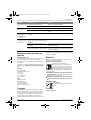
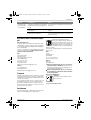
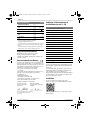
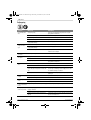
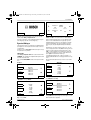
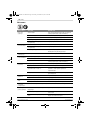
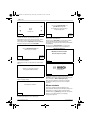
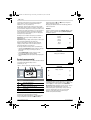
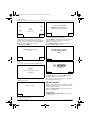
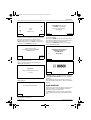
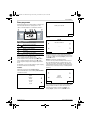
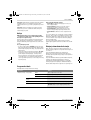
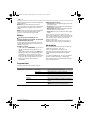
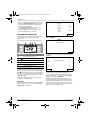
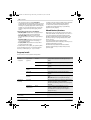
Förklaring
Info
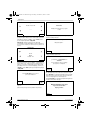
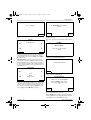
Hjälpinformation om användning av MANUELL.
Välj
Välj denna funktion om ett tidsschema inte används.
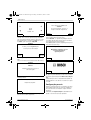
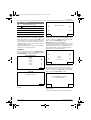
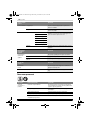
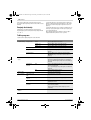
Ändra
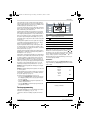
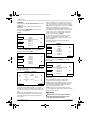
Bearbeta måndag
Bearbeta tisdag
Programmering av upp till 5 automatiska tidsscheman
med inställning av individuella klippningsdagar och tidsfönster.
Bearbeta onsdag
Bearbeta torsdag
Bearbeta fredag
Bearbeta lördag
Bearbeta söndag
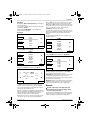
Välj
Aktivera ett av 5 individuella tidsscheman.
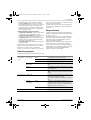
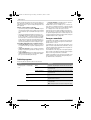
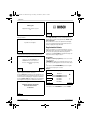
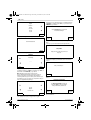
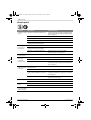
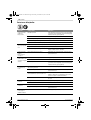
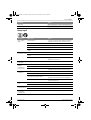
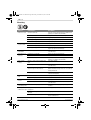
Tidsschemainfo
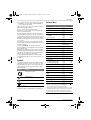
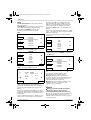
Förklaring
Tidsschemainfo
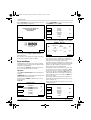
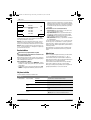
Översikt över programmerade klippningsdagar.
Tillb
Tillbaka till huvudmenyn.
Välj tidsschema
Hämta undermenyn ”Välj tidsschema”.
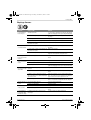
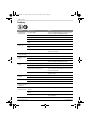
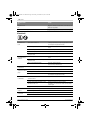
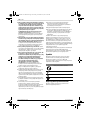
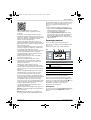
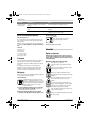
Lås knapparna
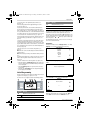
Förklaring
Lås knapparna
Knapparna spärras genast oberoende av autospärren.
Aktivera knappar
Bosch Power Tools
För aktivering av knapparna krävs inmatning av PIN-kod.
F 016 L70 825 | (23.11.12)