1
Short description
Connecting microphone, headphones and line-out devices
►
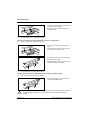
Plug the connector of the microphone into the microphone jack.
►
Connect the headphones to the headphones port.
►
Connect line-out devices to the audio output.
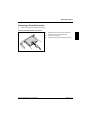
Connecting the mains adapter
►
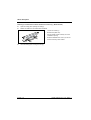
Connect the mains adapter cable to the device.
►
Connect the power cable to the mains adapter.
►
Plug the power cable into a grounded mains outlet.
Switching the device on
►
Switch the monitor on (see the operating manual for the monitor).
►
Press the ON/OFF switch on the front of the device.
The power-on indicator lights up. The device starts up with the embedded operating system.
A26361-K522-Z123-1-7419, edition 1
English - 7