1
ENGLISH
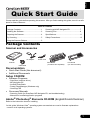
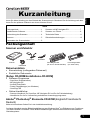
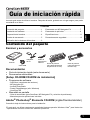
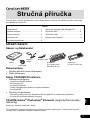
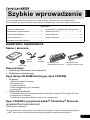
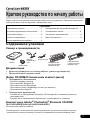
Quick Start Guide
Please read this guide before operating this scanner. After you finish reading this guide, store it in a safe
place for future reference.
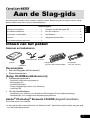
Table of Contents
Package Contents .......................................... 1
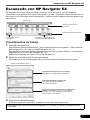
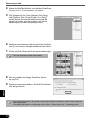
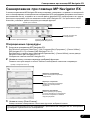
Scanning with MP Navigator EX..................... 7
Installing the Software .................................... 2
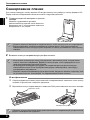
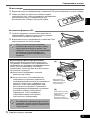
Scanning Film ................................................. 8
Preparing the Scanner ................................... 4
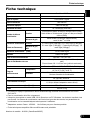
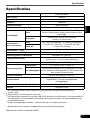
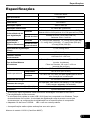
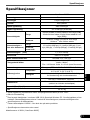
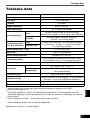
Specifications.................................................. 11
Try Scanning .................................................. 5
Safety Precautions.......................................... 13
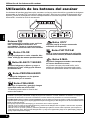
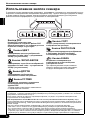
Using the Scanner Buttons............................. 6
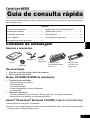
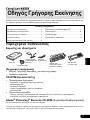
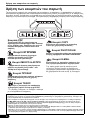
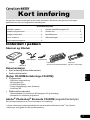
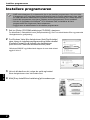
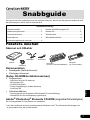
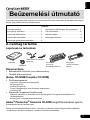
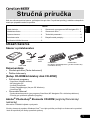
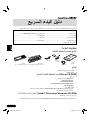
Package Contents
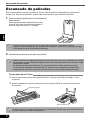
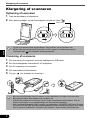
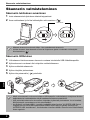
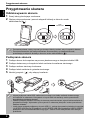
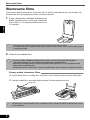
Scanner and Accessories
AC Adapter
Power Cord
Scanner
USB Cable
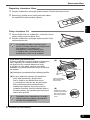
Film Guides
(for 35mm film strip/slide)
Film Guide
(for 120 format film)
Documentation
• Quick Start Guide (this document)
• Additional Documents
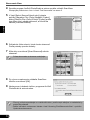
Setup CD-ROM
• Software Programs
-
ScanGear (scanner driver)
MP Navigator EX
ArcSoft PhotoStudio
Presto! PageManager (Windows only)
OmniPage SE
• On-screen Manuals
- Scanning Guide (for ScanGear, MP Navigator EX, and troubleshooting)
- Manuals for bundled application programs
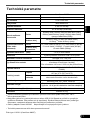
Adobe® Photoshop® Elements CD-ROM (English/French/German)
Refer to the instruction sheet for installing.
*In this guide, Windows Vista™ operating system screenshots are used to illustrate explanations
common to all operating systems.
1