1
KV-M70 (EN)
TQBX0243[E]
4
Thank you for purchasing a JVC product. Please read all instructions carefully before operation,
to ensure your complete understanding and to obtain the best possible performance from the
unit.
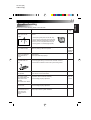
Table of Contents
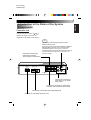
Introduction to the Roles of the System Components ................ 5
How to Use the Monitor System
Controlling the Volume of the Built-in Speaker ......................... 10
Selecting the ASPECT (Display Size) ....................................... 11
Adjusting Brightness ................................................................. 13
Selecting the Monitor System (PAL/NTSC) .............................. 17
Adjusting the Image .................................................................. 19
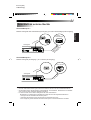
Connecting to External Devices ................................................ 21
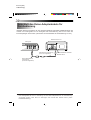
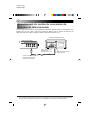
Connecting the Remote-control Data Conversion Cord ........... 22
How to Best Use the Monitor System
Troubleshooting ........................................................................ 23
Maintenance ............................................................................. 24
Specifications ............................................................................ 25