1
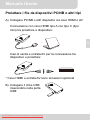
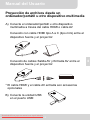
C) To make projection from the mentioned source device:
(1) Connect the source device as above (A) or (B)
instruction.
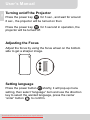
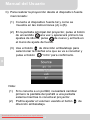
(2) In the main screen of projector, press the power
button
once, it will enter the language setting
first, then press
again, it will enter the source
setting menu.
(3) Use the direction up/down button
to select the
interface you are connecting, then press “enter”
button
to confirm.
Note:
(1) If connect to Notebook PC, you need to switch the
Notebook PC screen to the external screen first
while connecting projector.
(2) You could adjust the volume by using the direction
up/down button
.
Downloaded From projector-manual.com Aiptek Manuals
6
EN
User’s Manual