1
SD-AT50H
DX-AT50H
ENGLISH
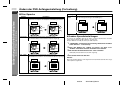
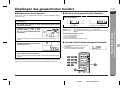
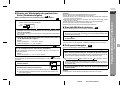
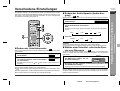
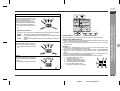
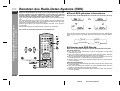
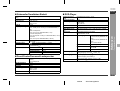
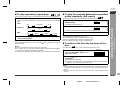
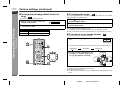
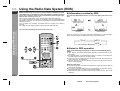
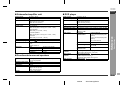
! To play repeatedly (repeat play)
You can play a chapter (track) or a title repeatedly by specifying it during playback.
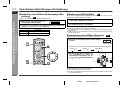
You can play the desired portion repeatedly by specifying it during playback.
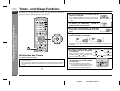
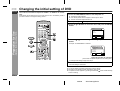
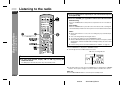
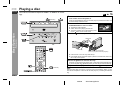
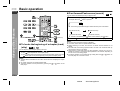
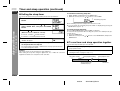
Whilst the disc is playing, press the REPEAT button.
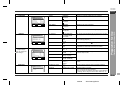
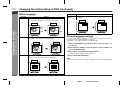
Each time the button is pressed, the repeat play mode changes in the following
order.
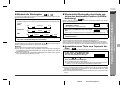
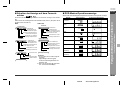
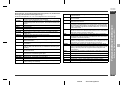
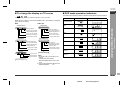
Audio CD:
OFF
CHAPTER
TITLE
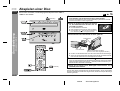
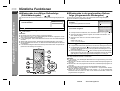
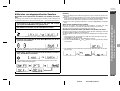
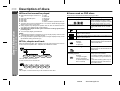
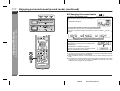
Whilst the disc is playing, press the A - B
REPEAT button.
[A - ]
This registers the start point (A).
2
Press the A - B REPEAT button again.
[A - B]
OFF
TRACK
ALL
This starts A-B repeat from the start point (A) to the end point (B).
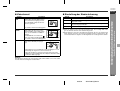
MP3:
2
OFF
TRACK
ALBUM
DISC
3
Press the A - B REPEAT button to return to the normal playback.
Notes:
Select "OFF" by pressing the REPEAT button repeatedly to return
to the normal playback.
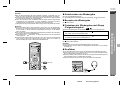
Caution:
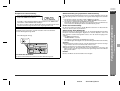
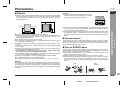
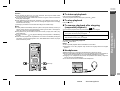
After performing repeat play, be sure to press the
play continuously.
button. Otherwise, the disc will
Notes:
" You may not be able to use this function with some discs.
" If you select "ALL" by pressing the REPEAT button during the programmed/random play of an audio CD, the playback is repeated.
" If you press another button during the repeat play, the playback may be cancelled.
"
"
"
"
A-B repeat play is disabled on some discs.
A-B repeat play for DVD is possible only within a title.
Perform A-B repeat play of an audio CD within a track.
Some scenes in DVD may not allow A-B repeat play.
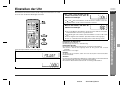
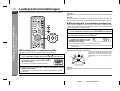
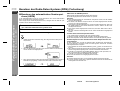
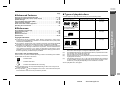
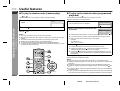
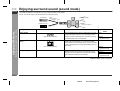
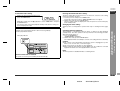
! To select a title from the top menu of the
disc
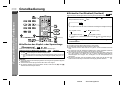
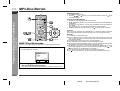
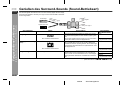
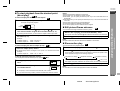
On a DVD with multiple titles, you can select a title from the top menu.
1
2
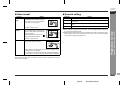
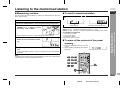
Whilst in the stop or playback mode,
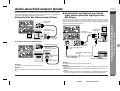
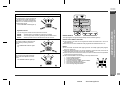
press the TOP MENU button to display its title menu.
Use the , ,
TER button.
or
Example
1 Drama
2 Action
3 SF
4 Comedy
button to select the title, and then press the EN-
- Useful features -
DVD:
1
Advanced Disc Features
1
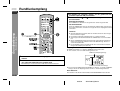
! To play the contents between the specified
points repeatedly (A-B repeat)
" The selected title is played.
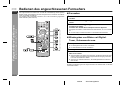
" Depending on the disc, a title can be selected by pressing the direct number
buttons (0 - 9) on the back of the remote control.
Notes:
" The procedure shown here provides only general steps. The actual procedure for
using the title menu depends on the disc you are using. See the disc jacket for
details.
" If the disc you are using does not have a title menu, nothing appears on the
screen.
8
E-32
02/8/28
SD-AT50H(H)E4.fm