1
FP4000 & FP5000 Installation & User manual
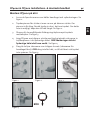
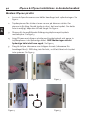
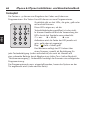
Power down and activation
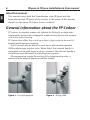
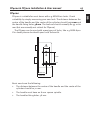
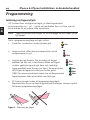
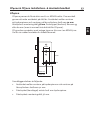
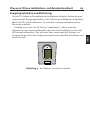
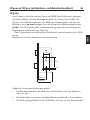
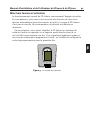
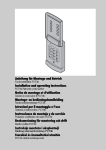
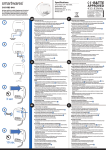
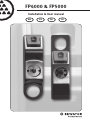
Figure 3 - The frame around the reader
ENG
Normal operational use of the FP Codoor will consume power from the
batteries. As a result, we have developed an automatic power down
feature (to save batteries). When the FP Codoor is not in use, the power
consumption is reduced to a minimum.
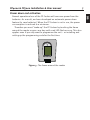
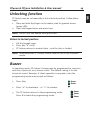
Therefore you must “wake-up” the FP Codoor by touching the frame
around the reader or press any key until a red LED flashes once. This also
applies even if you only want to programme the unit – or installing and
setting up the programming code for the first time.