1
Multimedia
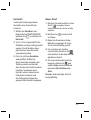
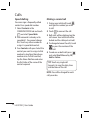
Moving or copying an image
You can move or copy an image
between the phone memory and the
memory card. You might want to do
this to either free some space in one
of the memory banks or to safeguard
your images from being lost.
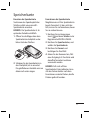
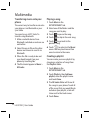
1 Touch My stuff in the
ENTERTAINMENT tab, select
Images and touch
.
2 Select Move or Copy.
3 You can mark/unmark the images
by tapping it sequentially. Mark the
image that you want to move or
copy and touch Move or Copy.
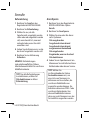
Sounds
The Sounds contains a list of sounds
including the downloaded sounds,
default sounds and voice recordings.
From here you can manage or send
sounds or set them as a ringtone.
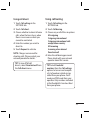
Using a sound
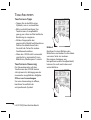
1 Touch My stuff in the
ENTERTAINMENT tab and select
Sounds.
2 Select a sound you want. It will
begin to play.
and select Use as.
3 Touch
42 LG GT350 | User Guide
4 Choose from Ringtone, Message
tone, Start-up and Shut down.
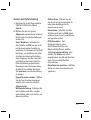
Videos
The Videos shows a list of
downloaded videos and videos you
have recorded on your phone.
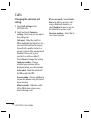
Watching a video
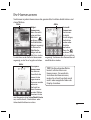
1 Touch My stuff in the
ENTERTAINMENT tab and select
Videos.
2 Select a video to play.
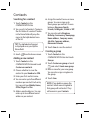
Sending a video clip
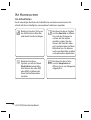
1 Select a video.
2 Touch
to send the video as a
Message or Email or by Bluetooth
or YouTube. Please check with your
service provider to confirm which
profile to use when uploading
content to Youtube. (Charges may
apply)
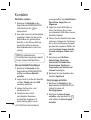
Transferring a file to your
phone
Bluetooth is probably the easiest
way of transferring a file from your
computer to your phone. You can
also use the LG PC Suite via your
sync cable.