1
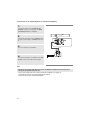
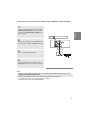
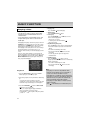
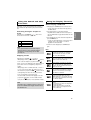
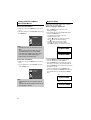
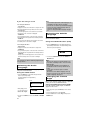
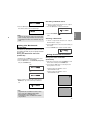
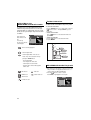
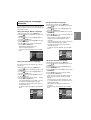
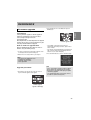
REFERENCE Firmware upgrade 2. Press the ¦/ buttons to select Total, then press the ENTER button. English Introduction Samsung will often support the software upgrade to improve the performance of this unit to the latest status, through Samsung Internet Site (www.samsung.com). What improvements are made depends on the upgrade software you are using as well as thesoftware that your DVD-player contained before theupgrade. How to make an upgrade disc Write the downloaded file onto a blank CD-R or CDRW disc, using the following settings: 1. You have to download a new file through Download Center of Samsung Internet Site (www.samsung.com). 2. Write the file to Disc using CD-RW of your computer. Firmware upgrade starts - In the middle of the writing, the tray will open automatically. After taking out the disc, please wait for about 2 minutes. - If the unit was succesfully updated, the unit will turn off and on after closing the tray automatically. When the unit turns on, this screen will display. 3. Press the number buttons to select the desired language Note - File System CD-ROM ISO Level - Character set ISO 9660 - Finalized, single session - Write speed low Upgrade procedure 1. Open the disc tray. Place the disc on the tray. Close the tray. The Firmware upgrade screen appears. Note - If the “Select Menu Language” doesn’t appear, please contact to “Samsung Service Center”. - Do not press any button and unplug the power cord during upgrade. - The upgrade procedure may change, refer to the web site (www.samsung.com). Firmware upgrade appears on the display 25