1
SGH-D900i.book Page 46 Thursday, March 26, 2009 9:55 AM
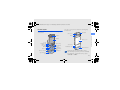
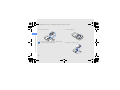
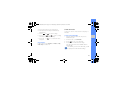
4. Press <Options> → Crop.
5. Using the navigation key, move the rectangle
over the area you want to crop and press [
To resize or reshape the rectangle, press
<Options> → Resize or Shape.
using tools and applications
6. When you are finished cropping, press
<Options> → Save as → <Yes>.
7. Enter a new file name for the image and press
[
].
Insert a visual feature
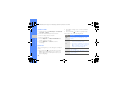
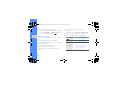
1. In Menu mode, select Applications → Image
editor.
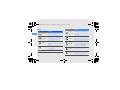
2. Press <Options> → New image → Open or
Take photo.
46
3. Select an image or take a new photo.
].
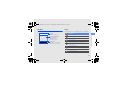
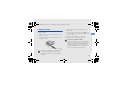
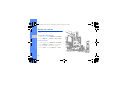
4. Press <Options> → Insert → a visual feature
(frame, image, clip art, emoticon, or text).
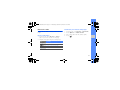
5. Select a visual feature to add and press
<Select>.
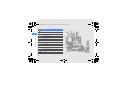
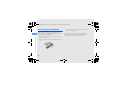
6. Move the added image.
To resize or rotate the added image, press
<Options> → Resize or Rotate.
7. Press <Done> or [
].
8. When you are finished adding visual features,
press <Options> → Save as → <Yes>.
9. Enter a new file name for the image and press
[
].