1
MAX-Ds750 GB-1~24
5/22/03 10:44
Page 16
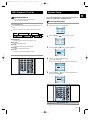
Slow Playback/Checking the
Remaining Time
GB
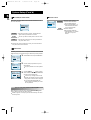
Repeat Playback
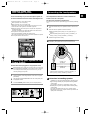
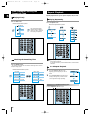
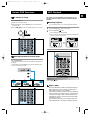
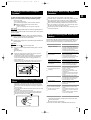
Repeat playback allows you to repeat a chapter, title, or track.
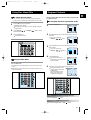
Playing Slowly
Playing Repeatedly
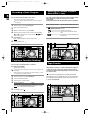
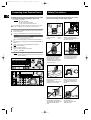
Press the Slow button.
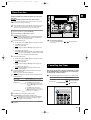
Press the Repeat button.
Each time the Slow button is pressed
Each time the Repeat button is pressed
SLOW 1/2
DVD
DVD
SLOW 1/4
VCD
The slow playback speed
changes and the selections
(1/2X, 1/4X, 1/8X, 1/16X and
normal play) are repeated.
PLAY
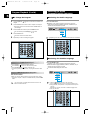
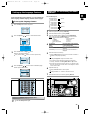
Checking the Remaining Time
Repeat playback operation is not possible with version 2.0 VCD
discs if PBC is turned on.
To operate this feature, press the MENU button, and then select
"PBC OFF".
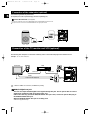
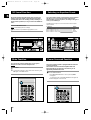
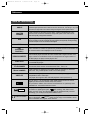
Press the Remain button.
For checking check the total time and the remaining time of a title or
chapter being played.
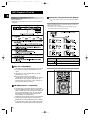
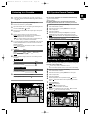
A↔B Repeat Playback
Each time the Remain button is pressed
TITLE TIME
TRACK TIME
REMAIN TIME : TITLE
REMAIN TIME : TRACK
CHAPTER TIME
DISC TIME
REMAIN TIME : CHAPTER
REMAIN TIME : DISC
DVD
1
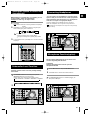
Press the Repeat A↔B button at the
beginning (A) of the segment you want to
review.
2
Press the Repeat A↔B button again at the
end (B) of the segment you want to review.
The segment will begin repeating.
To return to normal playback
Press the Repeat A↔B button again.
16