1
MAX-DS750 GB-25~34
5/22/03 10:48
Page 29
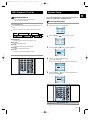
Setting the System to Switch off
Automatically
Connecting Headphones
GB
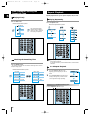
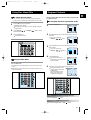
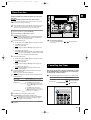
While listening to a compact disc or a cassette, you can
set the system to switch off automatically
Example: You wish to go to sleep to music.
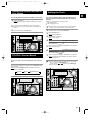
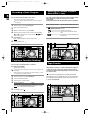
You can connect a set of headphones to your mini-compact
system so that you can listen to music or radio programmers
without disturbing other people in the room. The earphones
must have a 3.5 ø jack or an appropriate adapter.
1
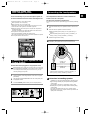
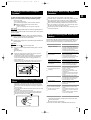
Press Sleep.
Result: playback starts and the following indications are displayed:
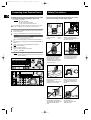
Connect the headphones to the Phones jack on the front panel.
Result: The loudspeakers are no longer used to output the sound.
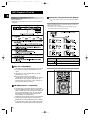
2
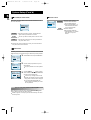
Press Sleep one or more times to indicate how long the system
should continue playing before it switches off:
Prolonged use of headphones at a high volume may damage
your hearing.
90 MIN
At any time, you can:
Check the remaining time by pressing Sleep
Change the remaining time by repeating Steps 1 and 2
3
To cancel SLEEP function, press Sleep one or more times until OFF
is displayed.
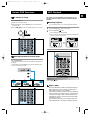
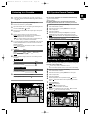
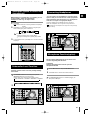
Microphone Function(option)
The microphone enables the user to mix in his or her
vocals to sing-along with the music.
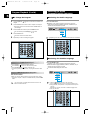
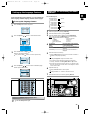
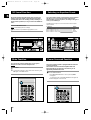
Subwoofer Level Function
Subwoofer function stresses low tones providing thudding
sound effects.
1
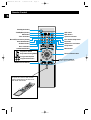
Turn Subwoofer Level knob on the front panel or press the
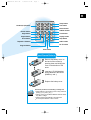
Subwoofer Level button on the remote control.
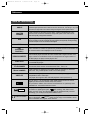
Press the button on the remote control repeatedly to select
➞ “OFF ➞WOOFER1 ➞ WOOFER2 ➞ WOOFER3 ➞ WOOFER4”.
Preparation
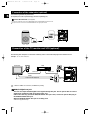
Plug the microphone with a 6.3ø mic jack into
microphone terminal.
1
Turn the Mic Level knob to adjust the MIC1, MIC2 volume.
2
Press Echo button to select ECHO1,ECHO2,ECHO OFF.
The Power Surround function is not available if plugging the
Microphone into Mic jacks.
or turn the knob on the front panel repeatedly to select
2
You can select the level of low tones you desire.
2
1
29