1
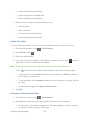
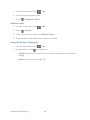
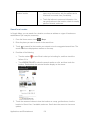
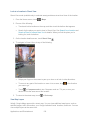
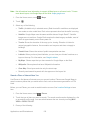
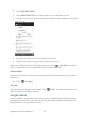
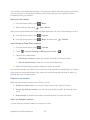
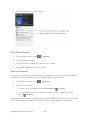
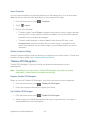
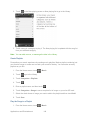
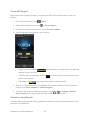
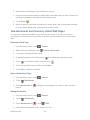
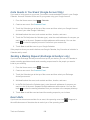
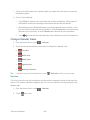
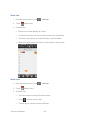
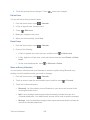
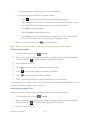
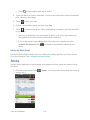
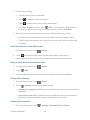
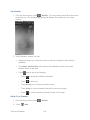
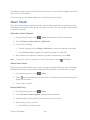
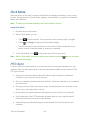
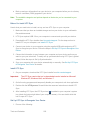
2. Do any of the following: Touch an item to view its information. Touch to update the stock information. Touch to add a stock quote or stock market index. To change the stock list order, touch > Edit. Touch and hold at the end of the item you want to move, drag it to its new position, and then touch Done. 3. When you’ve selected a particular stock quote or stock market index, you can: View the item’s trade information as well as its price chart for a specific period. Touch the time buttons below the chart to view up to a year of an item’s past trade information. Add a Stock Quote or Stock Market Index 1. From the Home screen, touch 2. Touch > Stocks. and enter the stock quote or stock market index in the text box. 3. In the results list, touch the stock quote or stock market index you want to add. Delete a Stock Quote or Stock Market Index 1. From the Home screen, touch 2. Touch > Stocks. > Edit. 3. Touch the check box before the item you want to delete, and then touch Done. Change Stocks Settings 1. From the Home screen, touch 2. Touch > Stocks. > Settings, and then change the settings. Update when opened: Update the stock information every time you open the Stocks application. Set color for price raise: Change the color for displaying stock price increases to either red or green, depending on what’s being used in your country. Update Stock Information 1. From the Home screen, touch Tools and Calendar > Settings > Account & sync > Stocks. 214