1
Browser Windows
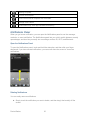
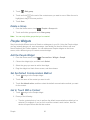
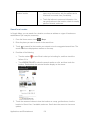
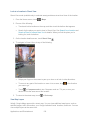
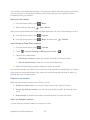
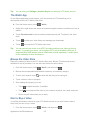
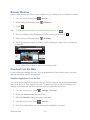
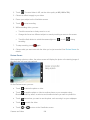
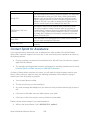
Open multiple browser windows to make it easier for you to switch from one website to another.
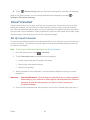
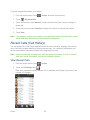
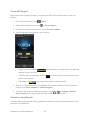
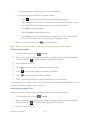
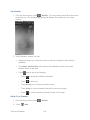
1. From the Home screen, touch
2. While viewing a Web page, touch
3. Touch
Tip:
> Internet.
> Windows.
.
To open a browser window in private browsing mode, touch
.
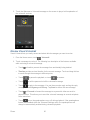
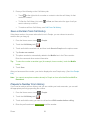
4. Enter the address of the Web page you want to go to, and then touch
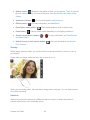
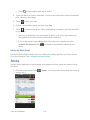
5. While viewing a Web page,touch
.
> Windows.
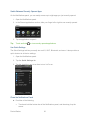
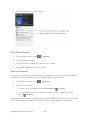
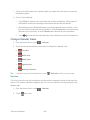
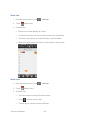
6. Select the browser window you want to view by sliding your finger on the screen from
right to left.
7. Touch a Web page window to open it in full-screen mode.
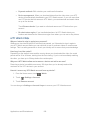
Download from the Web
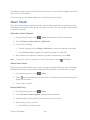
Do more than just browsing the Web. You can download Web files such as photos and apps,
and then save them on your storage card.
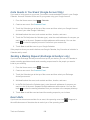
Download Applications From the Web
You can download applications directly from your favorite websites. Applications downloaded
from the Web can be from unknown sources. To protect your device and personal data, we
strongly recommend that you download and install only applications you trust.
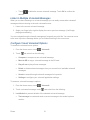
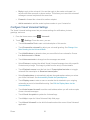
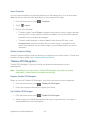
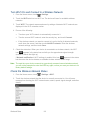
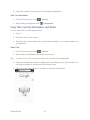
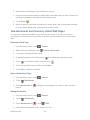
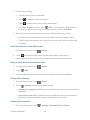
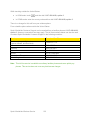
1. From the Home screen, touch
> Settings > Security.
2. Select the Unknown sources check box.
3. When the Attention dialog box opens, touch OK.
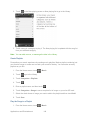
4. From the Home screen, touch
> Internet.
5. Go to the website where you can download the application you want.
Web and Data
170